
Bring detail into the frame
Create native 4K images with room to explore textures, lighting and the small details of a scene.
CREATE WITH MINIMAX
From a written idea to a richly detailed image. Create at 1K, 2K or native 4K, then shape your next version with reference photos.
1K / 2K from 1 credit · 4K from 3 credits
YOUR IDEA, IN DETAIL
MiniMax H3 Image is a model for creating and editing still images. Start with a text description to build an original scene, or add photos to guide the subject, style and composition.
Native 4K generation creates a detailed image directly. Choose a wide composition for a landscape, a tall frame for a portrait, or a square for a product visual.
On Nelo Image, the same workspace handles prompts, @ references, generation and downloads. Your existing subscription credits work with MiniMax H3 Image.
THREE SIMPLE STEPS
Open the workspace with MiniMax H3 Image selected. Describe the subject, setting, light and visual style.
Upload photos when you want to guide an edit. Use @ to identify each image, then choose proportions, resolution and quantity.
Review the full image, download its original PNG, or use it as a reference for your next generation.
A flexible starting point for detailed scenes, product concepts and reference-guided edits.
Create native 4K images with room to explore textures, lighting and the small details of a scene.
Combine a subject photo, a color direction and a composition reference in one creative workflow.
Review the complete image and its prompt, reuse a result as a reference, and keep your original PNG.
REAL GENERATIONS
Actual images generated for Nelo Image. Open each prompt to see the instructions behind the result.
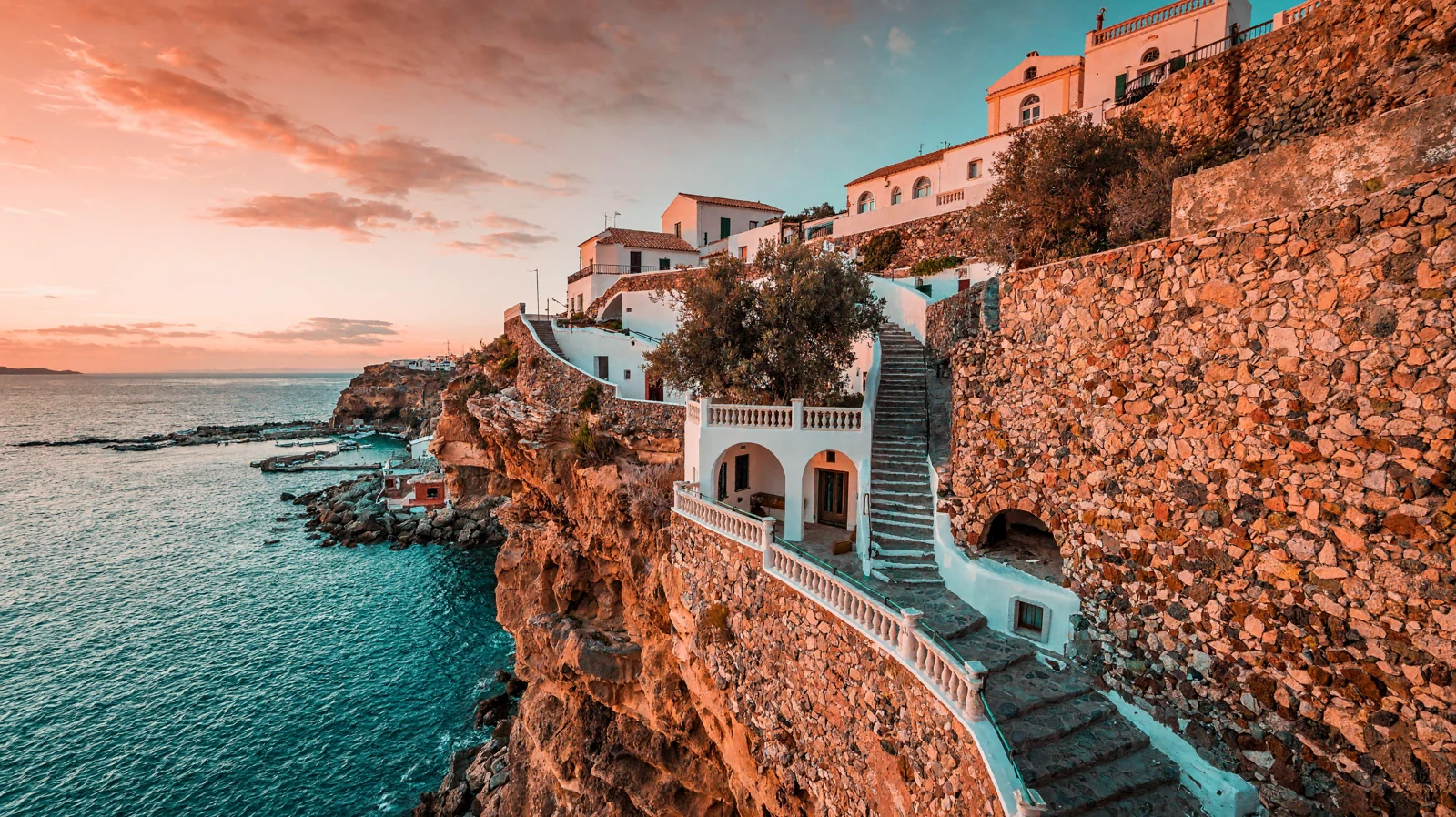
4K · 16:9 · 5472 × 3072 px
A cinematic wide photograph of a tiny white coastal village on rugged terracotta cliffs above a turquoise Mediterranean sea at golden hour. A curving stairway winds through lush olive trees and whitewashed arches. Beautiful natural architecture, intricate stone textures, warm coral and cool teal palette, premium travel editorial, no text or logo.
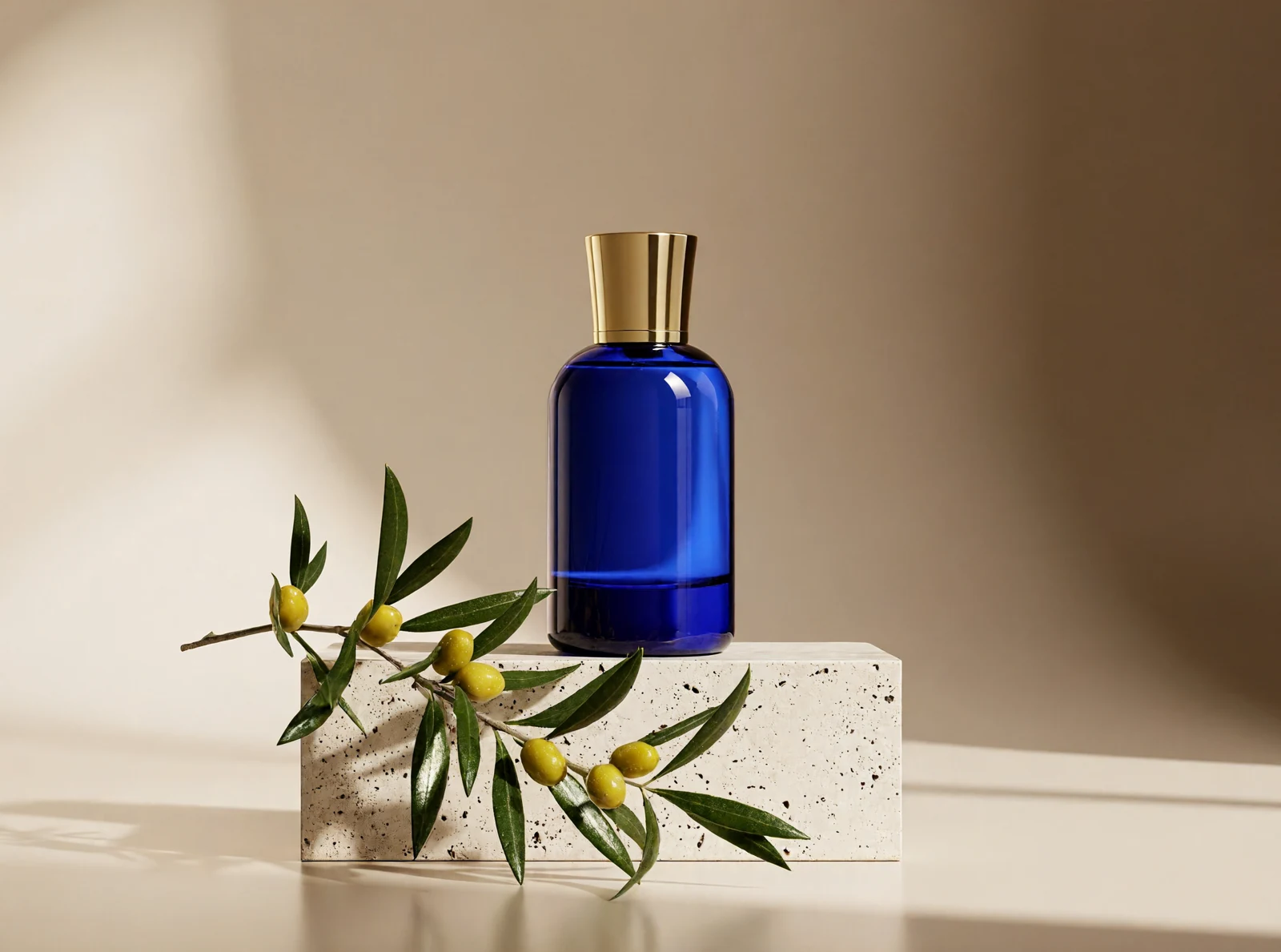
2K · 4:3 · 2368 × 1760 px
High-end product photograph of a sculptural cobalt-blue glass perfume bottle with a smooth cylindrical cap, standing on pale travertine beside a single fresh olive branch. Warm beige seamless background, soft morning side light, crisp glass reflections, refined editorial styling, realistic materials, no writing or logo.
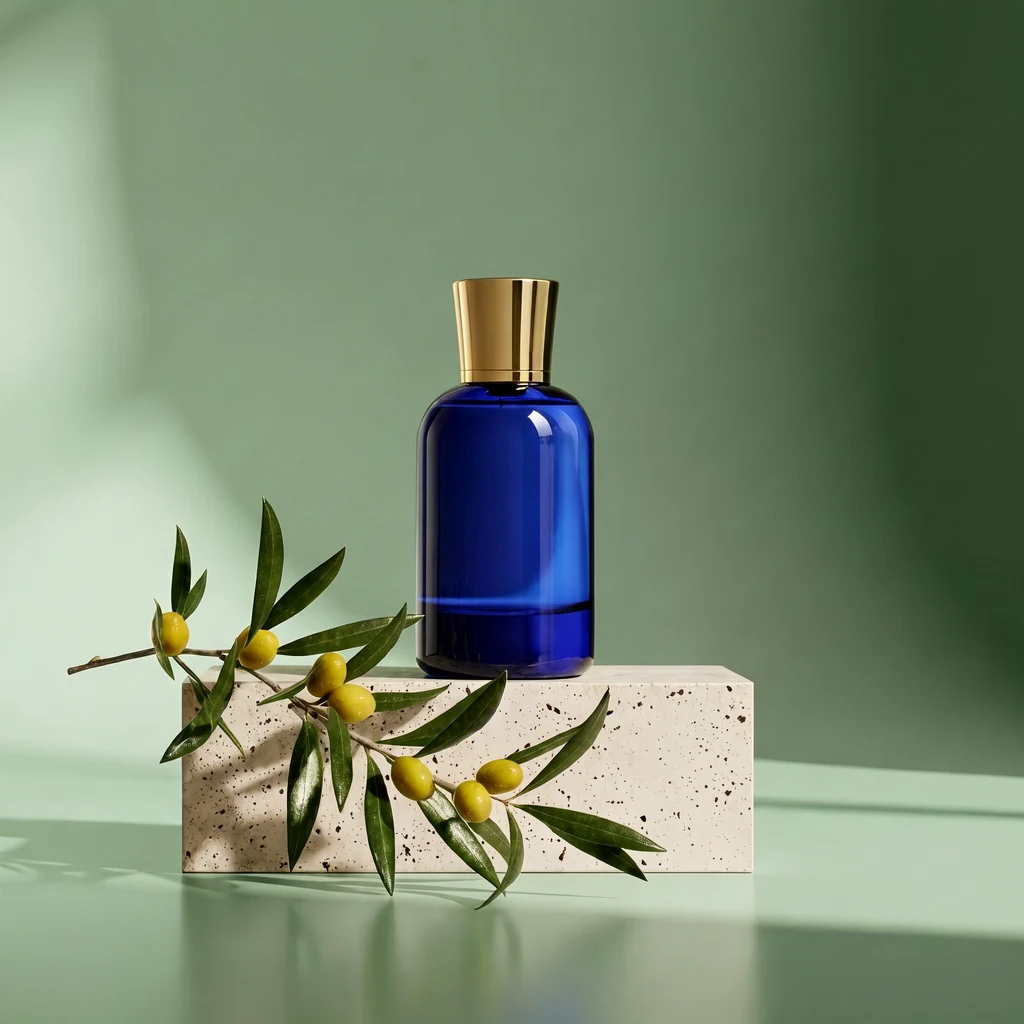
1K · 1:1 · 1024 × 1024 px
Using <Picture 1>, create a square product photograph. Keep the same cobalt-blue perfume bottle, cap, travertine surface and olive branch. Change only the beige backdrop to soft sage green. Match the original lighting and reflections. No writing or logos.
Reference: the blue perfume bottle image shown above. The reference was resized for processing.
MORE ROOM FOR YOUR IDEAS
Choose your creative pace. Subscribe monthly or save with yearly billing.
For occasional ideas and personal projects.
$19.99 billed monthly
Renews monthly. Cancel renewal from your account.
For creators building a regular visual workflow.
$39.99 billed monthly
Renews monthly. Cancel renewal from your account.
For larger projects and frequent creative iteration.
$79.99 billed monthly
Renews monthly. Cancel renewal from your account.
Credit cost depends on your model, resolution and reference images. Banana 2.1 uses 2 / 3 / 5 credits at 1K / 2K / 4K. GPT Image 2.6 Flare and Sunburst use 4 / 8 / 14 credits, plus 1 credit per reference image. The Generate button shows the total before submission. Monthly credits refresh with your plan and do not roll over.
Payments are handled by Waffo Pancake. Subscriptions renew until cancelled. First subscription: request a refund within 7 days if no paid credits have been used. Refund policy · Cancellation · Privacy
GOOD TO KNOW
MiniMax H3 Image is MiniMax’s model for generating and editing still images. Create a scene from a written description or use reference photos to guide a new image. Nelo Image brings both workflows into one workspace.
Open the workspace from this page. MiniMax H3 Image and 2K are already selected. Write a prompt, optionally upload reference photos, choose your proportions and resolution, and generate your image.
Choose 1K, 2K or native 4K output. The 4K square is 4096 × 4096 pixels. Landscape 16:9 is 5472 × 3072, and portrait 9:16 is 3072 × 5472. Each format keeps the complete image in its original proportions.
Yes. Add your photos, use @ to refer to them, and describe the change. Give each reference a role, such as the subject, color palette or composition. You can use up to 16 reference images.
Text-to-image generation costs 1 credit at 1K, 1 credit at 2K or 3 credits at 4K. Each reference adds 0.25 credits; the total rounds up to a whole credit. For example, a 2K image with one reference costs 2 credits. The Generate button shows your total before submission.
Choose square 1:1, portrait 4:5, landscape 16:9, portrait 9:16, landscape 4:3 or portrait 3:4. Resolution and aspect ratio are selected together in the workspace.
Yes. Choose 1–8 images in the workspace. Each image is a separate generation, and the button shows the total credit cost for your selected quantity.
Yes. Describe the subject, setting, lighting, colors and composition in either language. Prompt expansion helps the model interpret your idea. For edits, mention the details you want to keep alongside the changes.
Upload JPEG, PNG or WEBP photos. Large originals are prepared in your browser before processing. Use clear source images and describe how each reference should contribute to the result.
Hover over a generated image to download the original PNG or use it as a reference. Click the image for a complete preview and its prompt. Your creations are private and available for 24 hours, so download the ones you want to keep.
Model documentation: MiniMax H3 Image · Generation and editing specifications.
Practical photo editing guides for cleaner backgrounds, finer detail and sharper images.
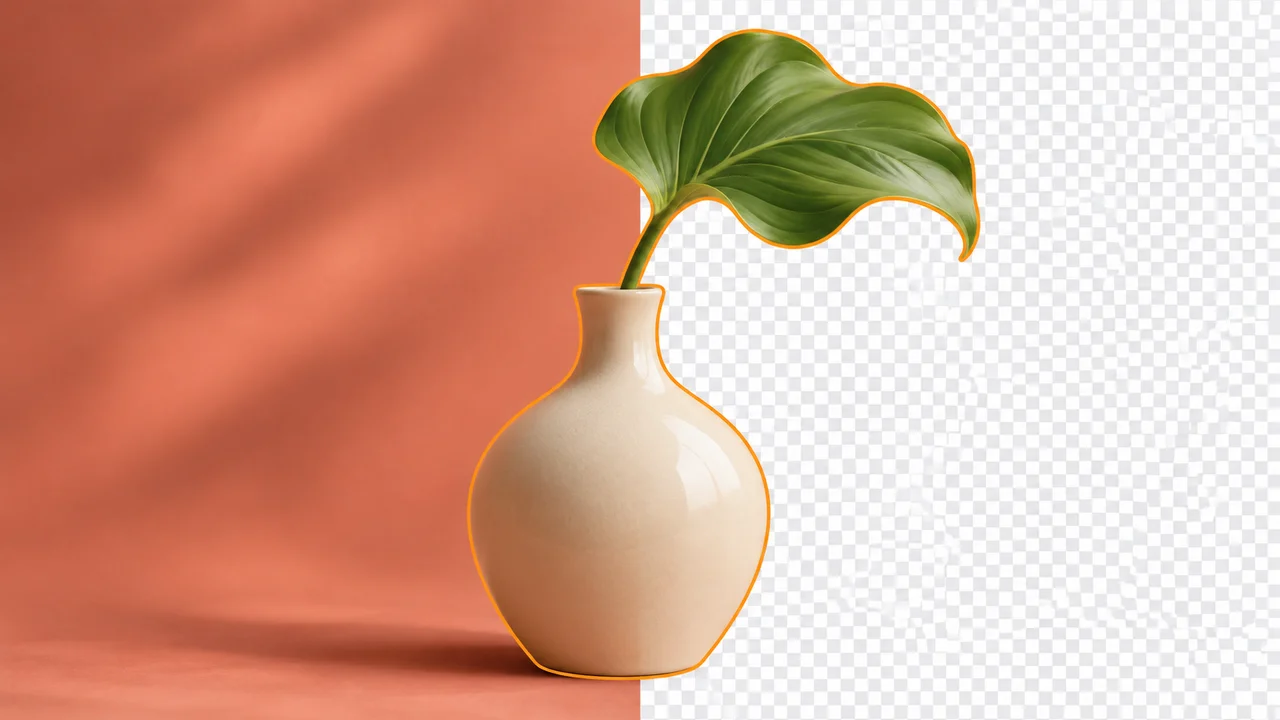
BACKGROUND REMOVAL
Select your subject, refine difficult edges, and export a clean transparent image.
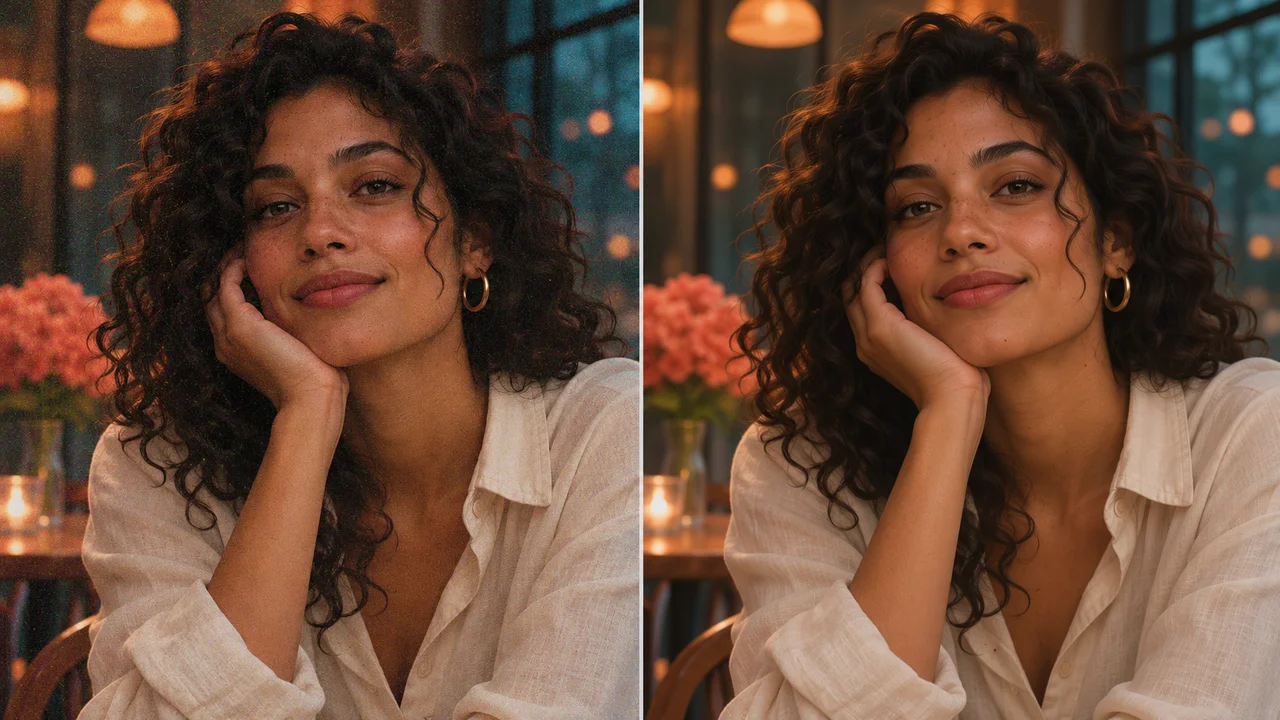
PHOTO ENHANCEMENT
Reduce distracting noise while keeping skin texture, hair, and fine details natural.
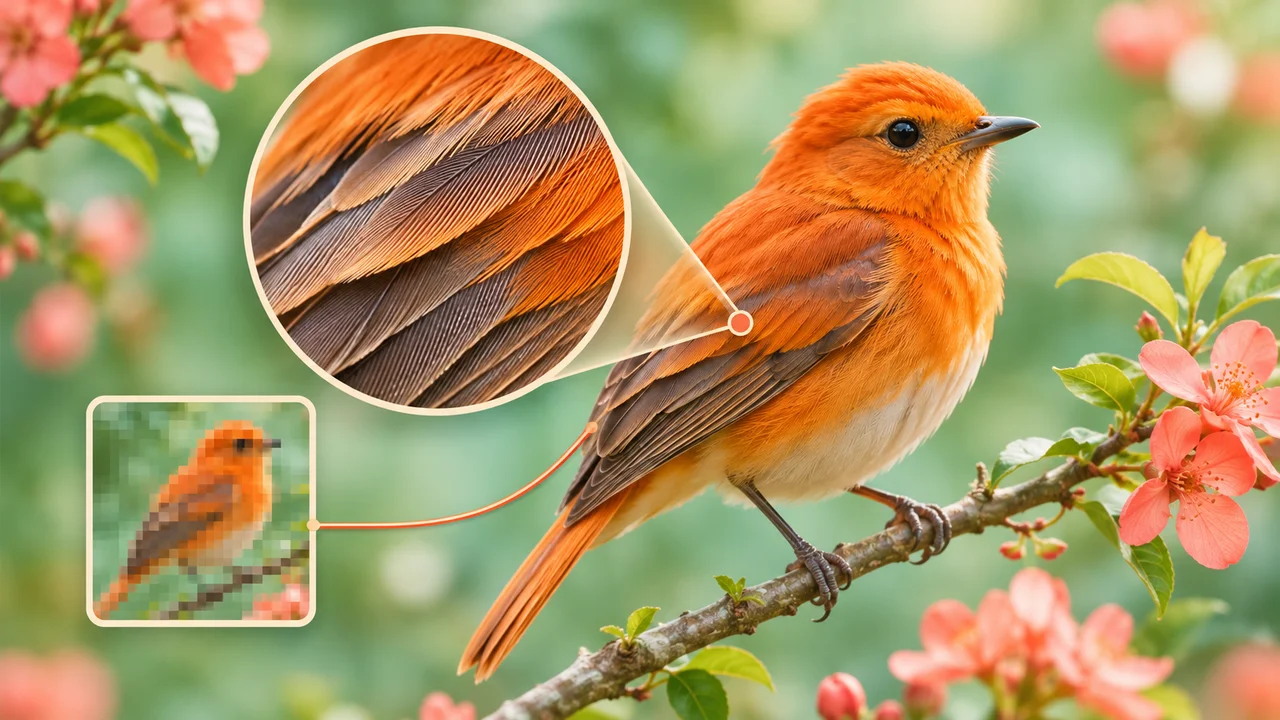
IMAGE RESOLUTION
Understand pixel dimensions, choose an enlargement method, and inspect the final detail.
Bring an idea, a reference photo, or both.
Open MiniMax H3 Image