Product photos
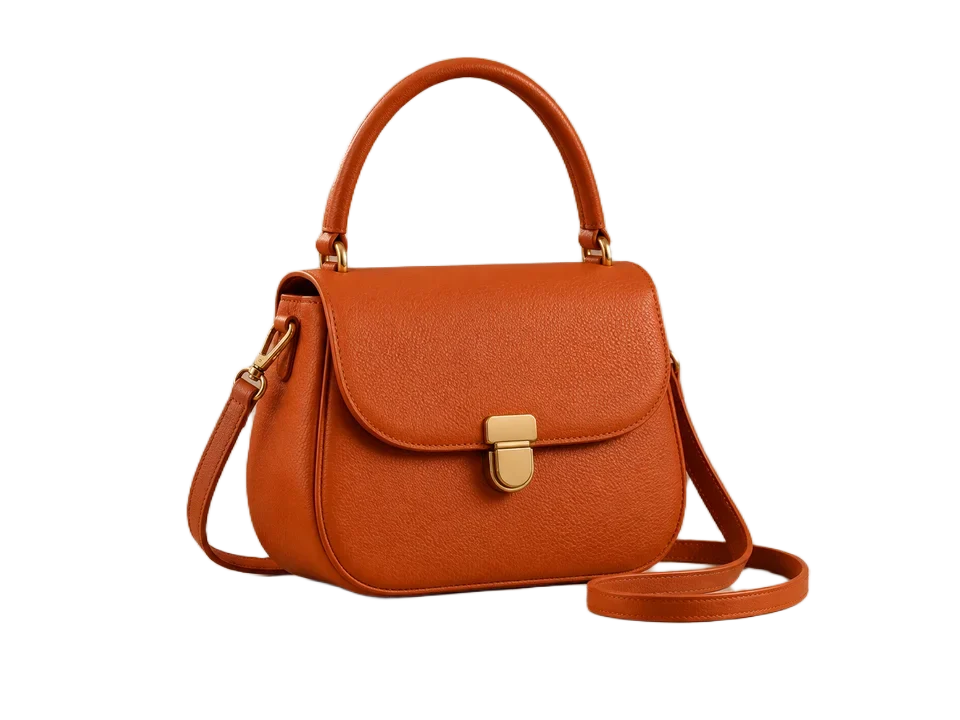
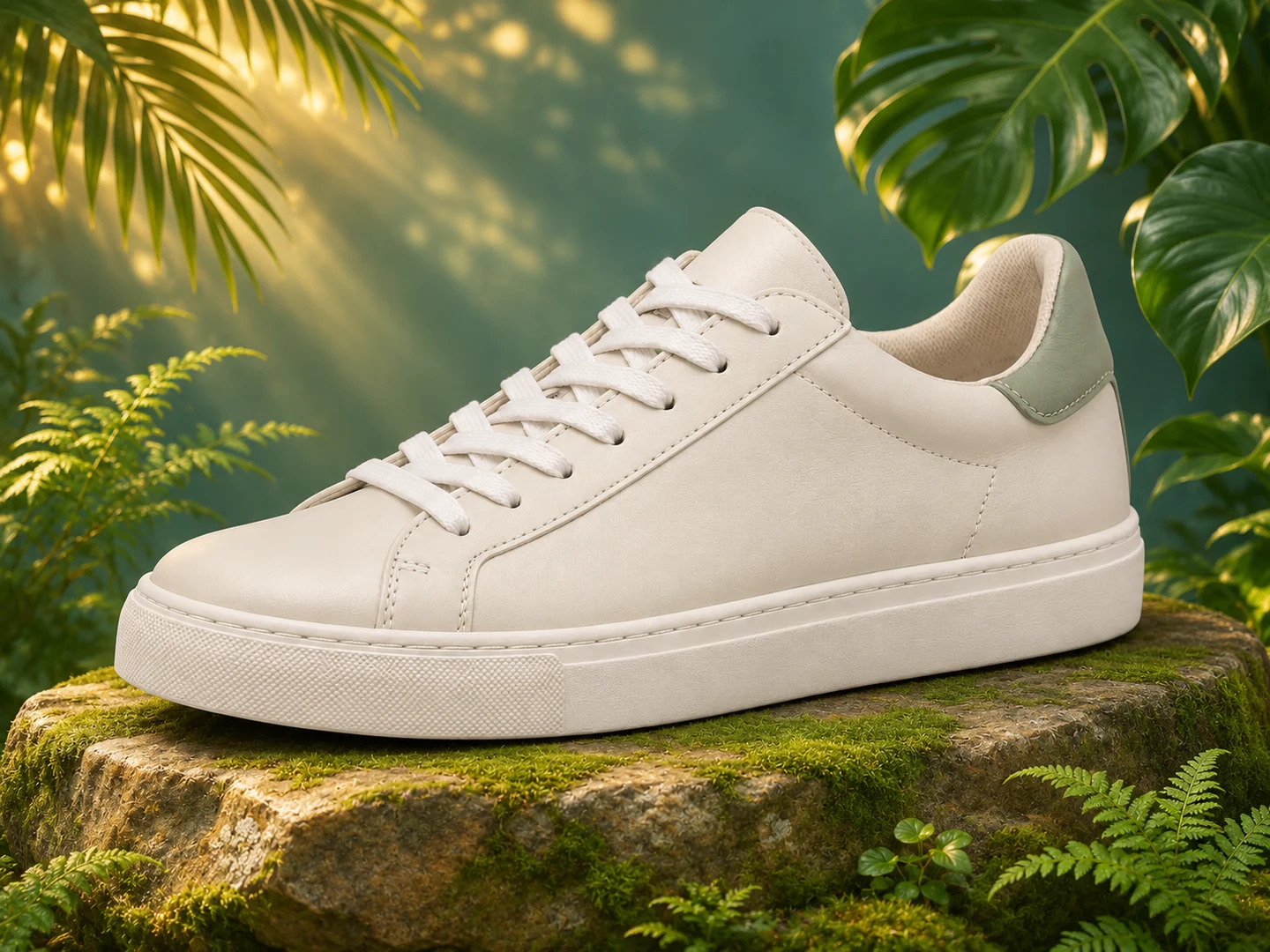
Give fabric, surfaces and product details more space in storefront layouts.
Make your image higher resolution with AI. Upload a photo, choose 2×, 4× or 8× enlargement, and bring fine details into focus.
or drag and drop · JPEG, PNG or WEBP
A CLOSER LOOK
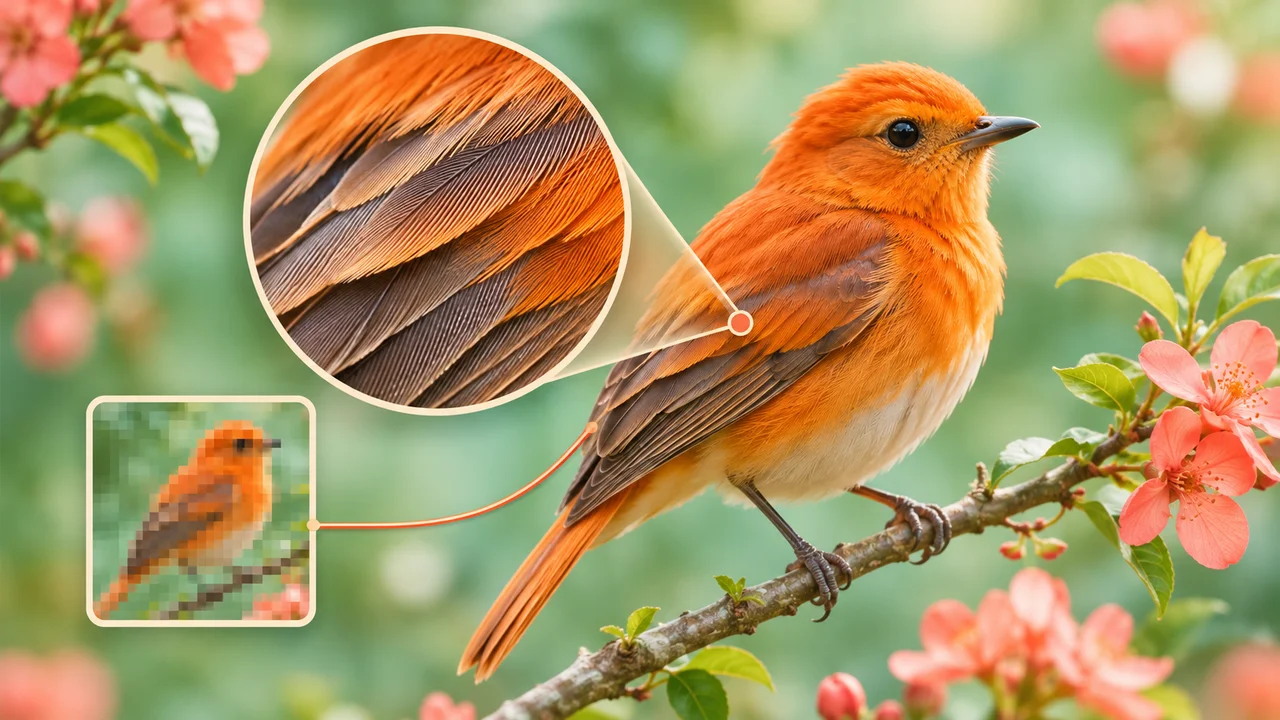
Enlarge your photo and enhance fine detail with a dedicated AI upscaler.
EnlargementWHAT IT DOES
A higher resolution image contains more pixels across its width and height. That extra space gives portraits, products and artwork room to shine on larger screens, in layouts and in print preparations.
Nelo Image uses a dedicated AI image upscaler to enlarge your photo and reconstruct fine detail. Choose 2×, 4× or 8× to multiply both dimensions while keeping the original proportions and composition.
Go from a small photo to a larger PNG in one focused workflow. See the exact output dimensions and credit cost before enhancing, then download your result from your private creation.
Give fabric, surfaces and product details more space in storefront layouts.
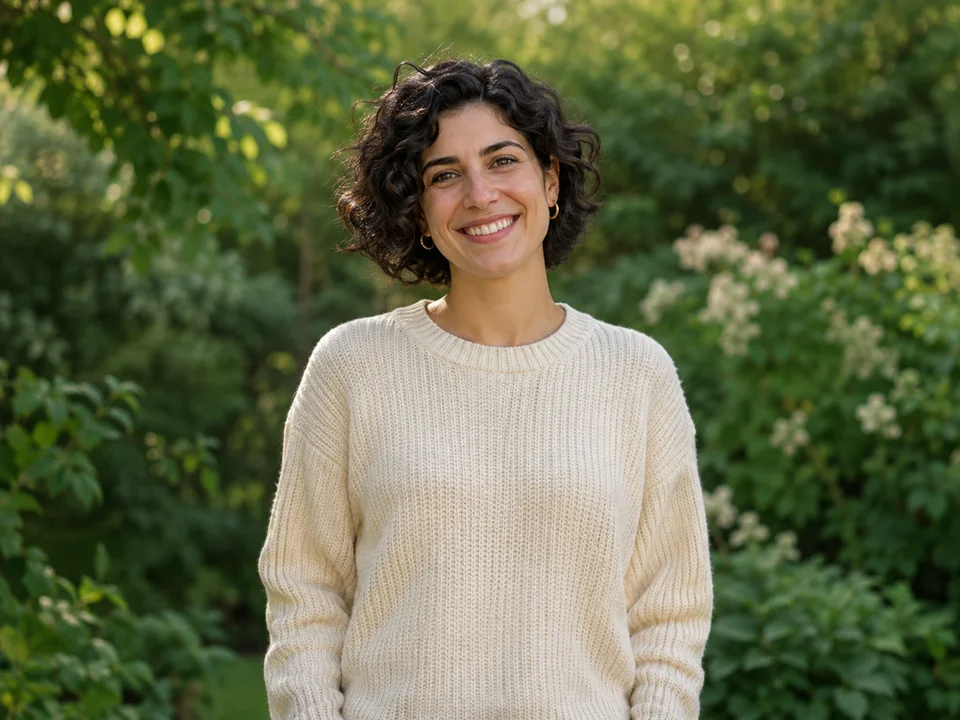
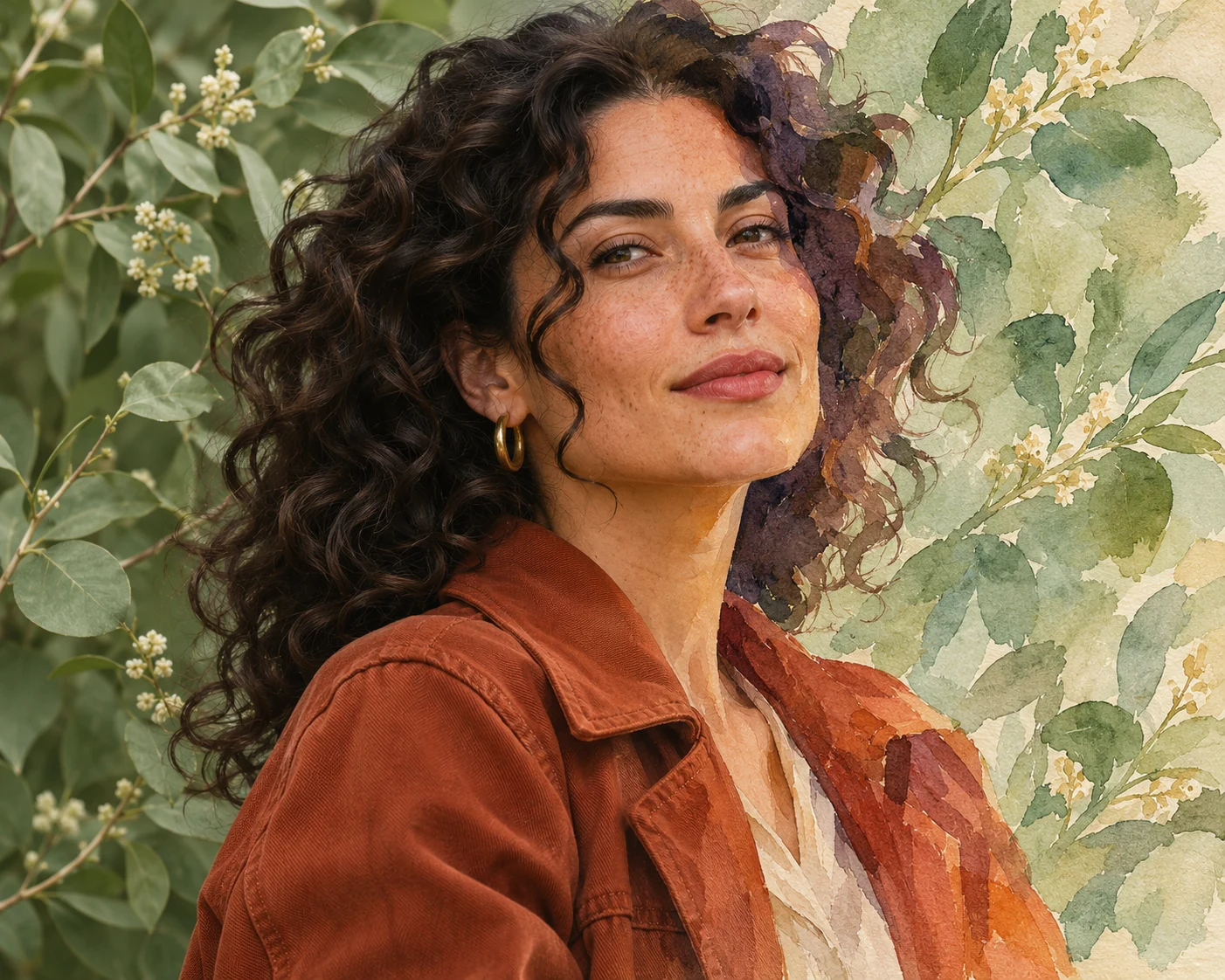
Prepare a larger portrait for profile layouts, creative projects and framed photo designs.
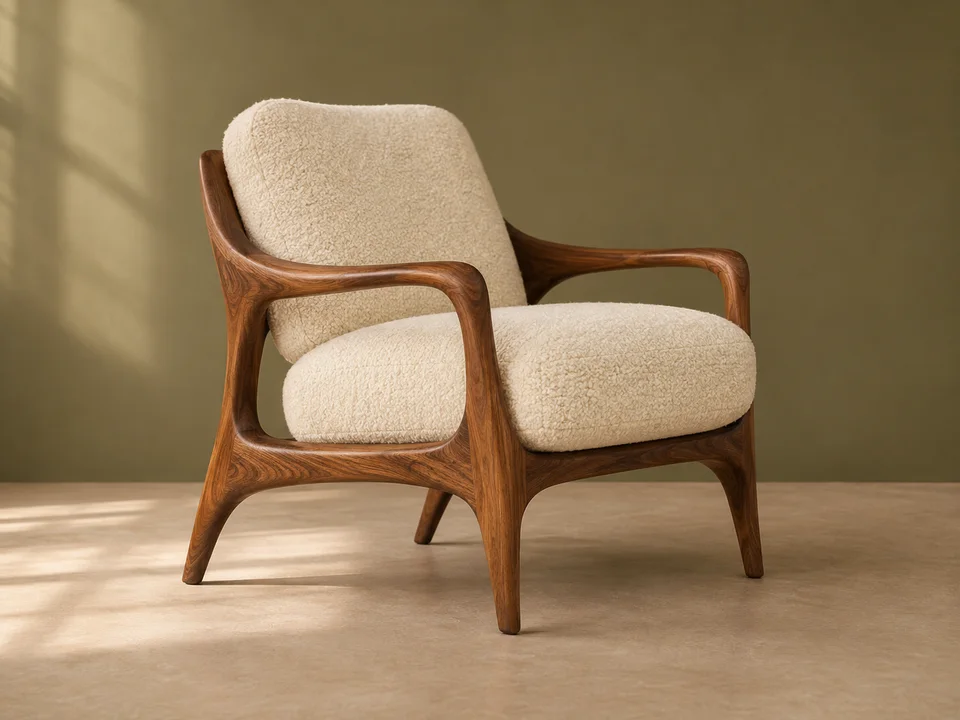
Explore room details, materials and furnishings in larger image formats.
HOW IT WORKS
Upload, enlarge and bring the details closer.
Read the image resolution guide ↗Choose a JPEG, PNG or WEBP. Preview your original photo and its dimensions before sending it for AI enhancement.
Select 2×, 4× or 8×. The tool shows the resulting pixel dimensions and the exact credit cost for your photo.
Sign in, confirm your enhancement and download the higher resolution PNG. Your result stays private and available for 24 hours.
WHY NELO IMAGE
Use a dedicated upscaling model to enhance texture and clarity as your image grows. No prompt or creative style settings needed.
Multiply the width and height together. Portrait, landscape and square images retain their proportions without a forced crop.
Use your existing Nelo Image credits. The output size determines the cost, and failed tasks return reserved credits.
MORE ROOM FOR YOUR IDEAS
Choose your creative pace. Subscribe monthly or save with yearly billing.
For occasional ideas and personal projects.
$19.99 billed monthly
Renews monthly. Cancel renewal from your account.
For creators building a regular visual workflow.
$39.99 billed monthly
Renews monthly. Cancel renewal from your account.
For larger projects and frequent creative iteration.
$79.99 billed monthly
Renews monthly. Cancel renewal from your account.
Credit cost depends on your model, resolution and reference images. Banana 2.1 uses 2 / 3 / 5 credits at 1K / 2K / 4K. GPT Image 2.6 Flare and Sunburst use 4 / 8 / 14 credits, plus 1 credit per reference image. The Generate button shows the total before submission. Monthly credits refresh with your plan and do not roll over.
Payments are handled by Waffo Pancake. Subscriptions renew until cancelled. First subscription: request a refund within 7 days if no paid credits have been used. Refund policy · Cancellation · Privacy
GOOD TO KNOW
Upload a JPEG, PNG or WEBP, choose an enlargement and click Enhance image. Nelo Image uses a dedicated AI upscaler and provides a higher resolution PNG download.
The factor multiplies both width and height. A 1,024 × 1,024 image becomes 2,048 × 2,048 at 2×, 4,096 × 4,096 at 4×, or 8,192 × 8,192 at 8×. Available factors depend on your prepared source dimensions.
Each image costs 1 credit up to 4,194,304 output pixels, 2 credits up to 16,777,216 pixels, or 6 credits up to 67,108,864 pixels. These are roughly square 2K, 4K and 8K tiers. The button displays your exact cost before submission.
This is a paid AI enhancement tool using your Nelo Image credit balance. Choose a monthly or yearly subscription to add credits. The introductory Banana image-generation trial is separate.
Yes. There is no source file-size cutoff in the upload form. The browser prepares a PNG with a side of up to 4,096 pixels and an optimized payload before submission. If preparation changes the dimensions, the tool shows the prepared size; your enlargement applies to that size.
The upscaler keeps the prepared image proportions. Both dimensions are multiplied by the selected factor, with an output ceiling of 8,192 pixels per side. Options that exceed the ceiling are disabled.
Yes. Transparent areas are placed on a white background during preparation. For an enlarged transparent cutout, enhance the photo first and then use the free Background Remover.
AI enhancement can improve perceived clarity and reconstruct fine texture while enlarging the image. Start with your best available source and compare the full-size result when preparing a final design.
Upload JPEG, PNG or WEBP. This workflow prepares a PNG source and delivers a PNG result. Your original file stays on your device when you select it; confirming Enhance sends the prepared image to the AI provider.
Your completed image appears on this page and in My creations for your signed-in account. Download it within 24 hours of the request. Refreshing the page checks the existing task rather than starting another paid enhancement.
YOUR NEXT EDIT