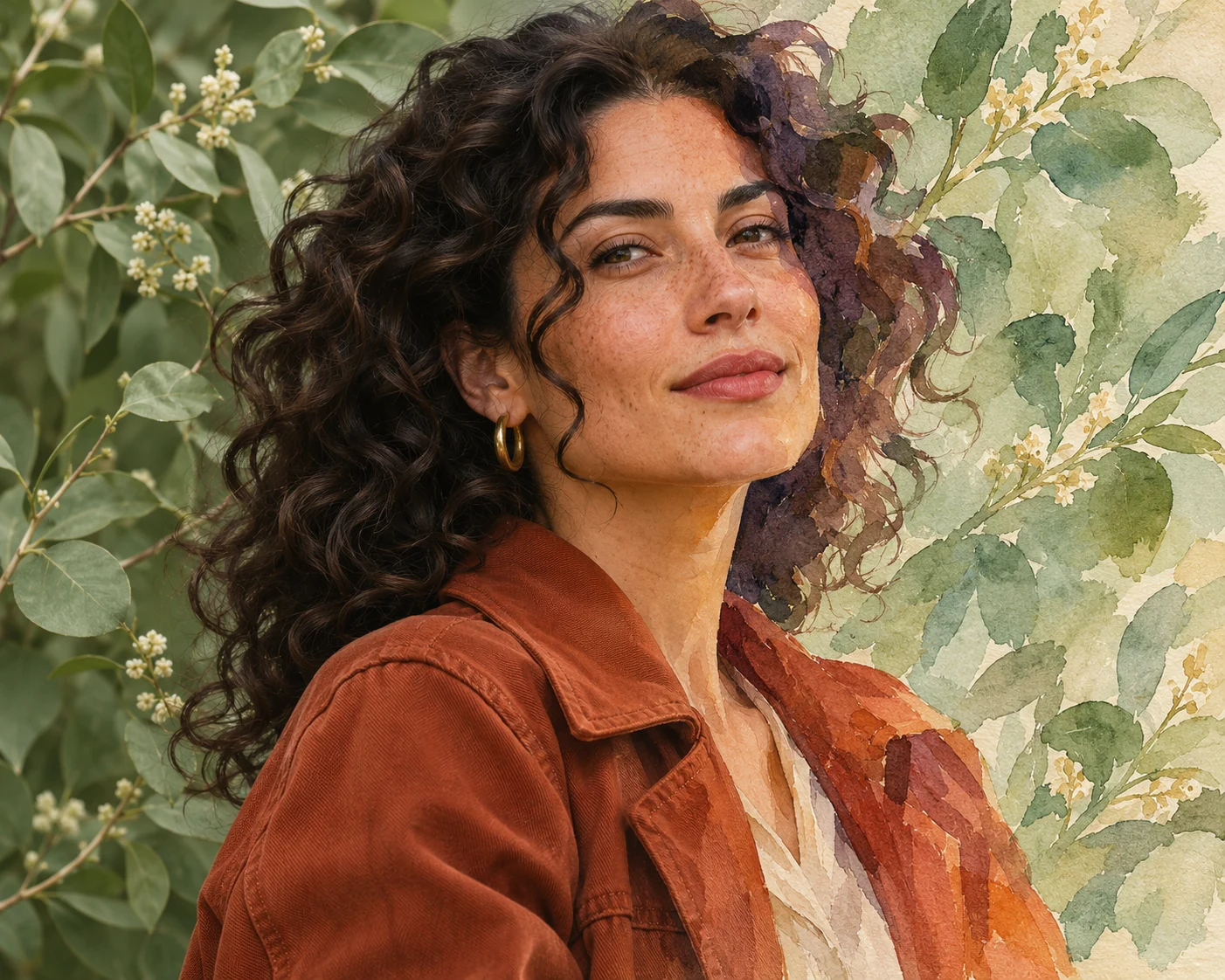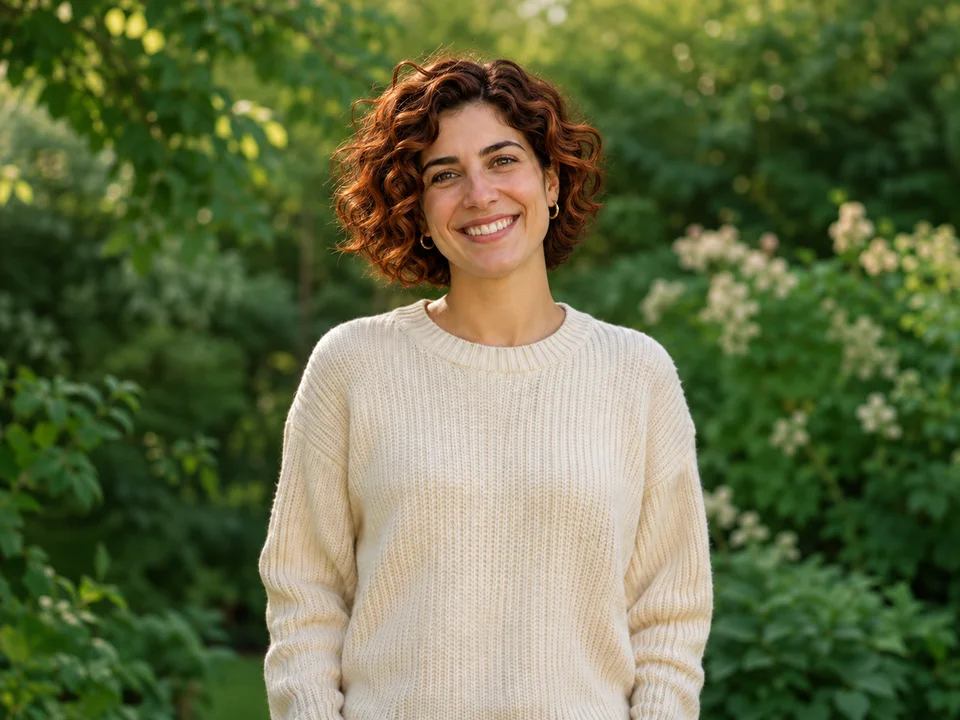
Warm copper
Explore an auburn direction with warm dimensional highlights.
Try a new hair color with your own photo. Upload a portrait, describe blonde, brunette, copper or a bold shade, and choose a subscription plan.
or drag and drop · JPEG, PNG or WEBP · Large images optimized automatically
MAKE IT YOURS
WHAT IT DOES
A hair color changer uses a portrait and a written instruction to explore a different shade. Describe the color family, undertone and finish you have in mind, from soft brunette to warm copper.
Use a focused brief: change the hair color while preserving the person, facial features, hairstyle and surrounding scene. Your portrait gives the edit a starting point; your words define the new direction.
Explore ideas for a personal style board, a salon conversation or a creative portrait. Compare color directions in the same lighting to decide which look you would like to explore further.
Explore an auburn direction with warm dimensional highlights.
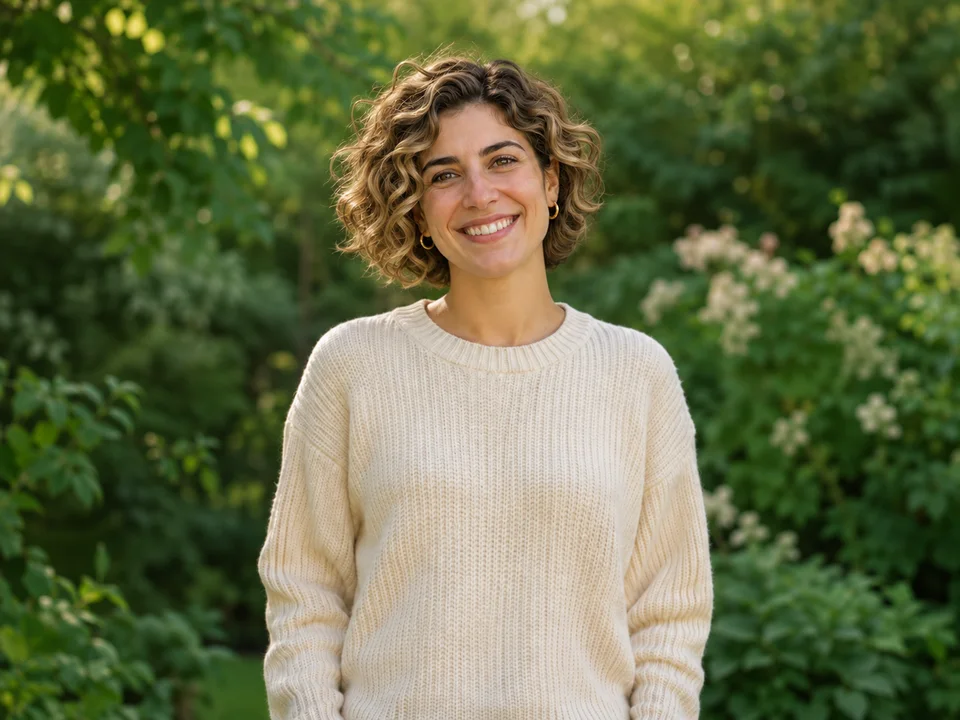
Build a softer blonde direction with natural-looking roots.
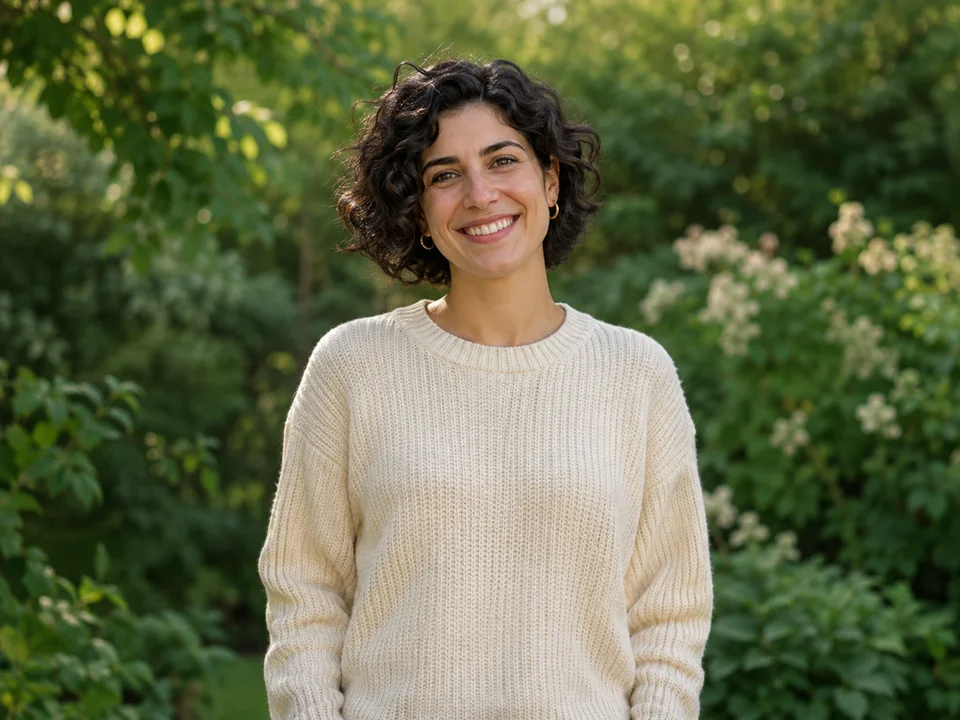
Use a well-lit portrait that shows the hair texture and current shade.
HOW IT WORKS
Your photo, a clear instruction and a new creative direction.
Choose a well-lit JPEG, PNG or WEBP with the hair clearly visible. A front or three-quarter view makes the intended edit easy to describe.
Choose a direction or write your own. Mention color, warmth, highlights and roots, then ask to preserve your face and hairstyle.
Select a subscription, confirm your portrait edit in the image workspace, and save the generated PNG for your style board.
WHY NELO IMAGE
Ask for copper, chocolate, golden blonde or a creative color, with the undertone and finish you want.
Use your photo as the starting point and specify the face, curls, length and surroundings to preserve.
Collect a visual direction for your next salon visit, portrait session or personal style board.
MORE ROOM FOR YOUR IDEAS
Choose your creative pace. Subscribe monthly or save with yearly billing.
For occasional ideas and personal projects.
$19.99 billed monthly
Renews monthly. Cancel renewal from your account.
For creators building a regular visual workflow.
$39.99 billed monthly
Renews monthly. Cancel renewal from your account.
For larger projects and frequent creative iteration.
$79.99 billed monthly
Renews monthly. Cancel renewal from your account.
Credit cost depends on your model, resolution and reference images. Banana 2.1 uses 2 / 3 / 5 credits at 1K / 2K / 4K. GPT Image 2.6 Flare and Sunburst use 4 / 8 / 14 credits, plus 1 credit per reference image. The Generate button shows the total before submission. Monthly credits refresh with your plan and do not roll over.
Payments are handled by Waffo Pancake. Subscriptions renew until cancelled. First subscription: request a refund within 7 days if no paid credits have been used. Refund policy · Cancellation · Privacy
GOOD TO KNOW
Upload a portrait, choose a color direction or describe your own shade, and select a subscription plan. Ask the image-to-image workflow to change the hair color while preserving the face and hairstyle.
Hair-color edits use Nelo Image subscription plans. Choose monthly or yearly billing; Image-to-image generation uses a model-specific number of credits shown on the Generate button.
Try color families such as copper, auburn, brunette, golden blonde or silver, and add details about warmth, roots and highlights. A precise shade description creates a clearer brief.
Yes. Include instructions to preserve the hair length, curl pattern, volume and parting while changing only the shade. Review the generated portrait before saving your preferred direction.
Use a sharp, well-lit portrait with visible hair and natural color. Avoid heavy color filters when you want to compare the new shade against your current look.
Describe both the base shade and highlight placement. For example, ask for a chocolate base with soft caramel highlights and naturally darker roots.
Create a separate edit for each shade while keeping the source portrait and lighting direction consistent. Keep the downloaded images together on your style board.
Select a JPEG, PNG or WEBP. Large images are optimized automatically before generation. The selected portrait appears as a local preview before any generation submission.
Selecting a portrait previews it locally. Confirming generation submits the reference and instructions to the image provider. Generated images follow the site private creation and 24-hour retention policy.
Use the generated portrait as a visual reference for discussing a color direction. A stylist can help translate the shade into a plan for your hair, its current condition and your preferred maintenance routine.
YOUR NEXT EDIT