
Prompt-first creation
Describe the subject, setting, lighting and composition in your own words.
Turn a written idea into a new image. Shape the subject, visual style and composition with a prompt, then choose your image settings.
Images you create will appear here.
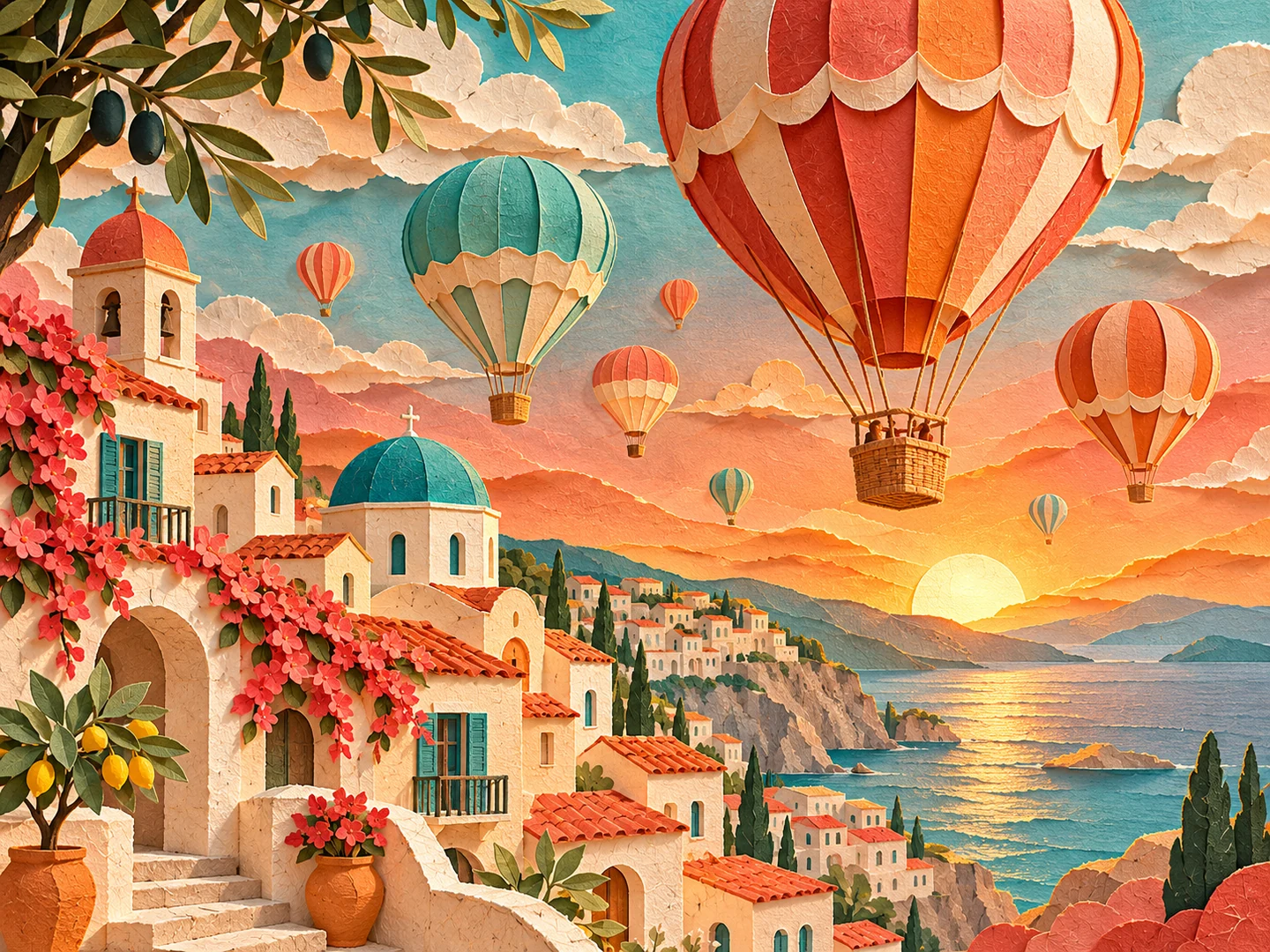
First image free Original PNG No visible watermark
WORDS INTO VISUALS
AI text-to-image generation creates a new image from a written description. Your prompt defines the subject, setting, lighting and visual style. Use the workspace to develop an original scene, product concept or illustration, then choose the style and aspect ratio that fit your idea.
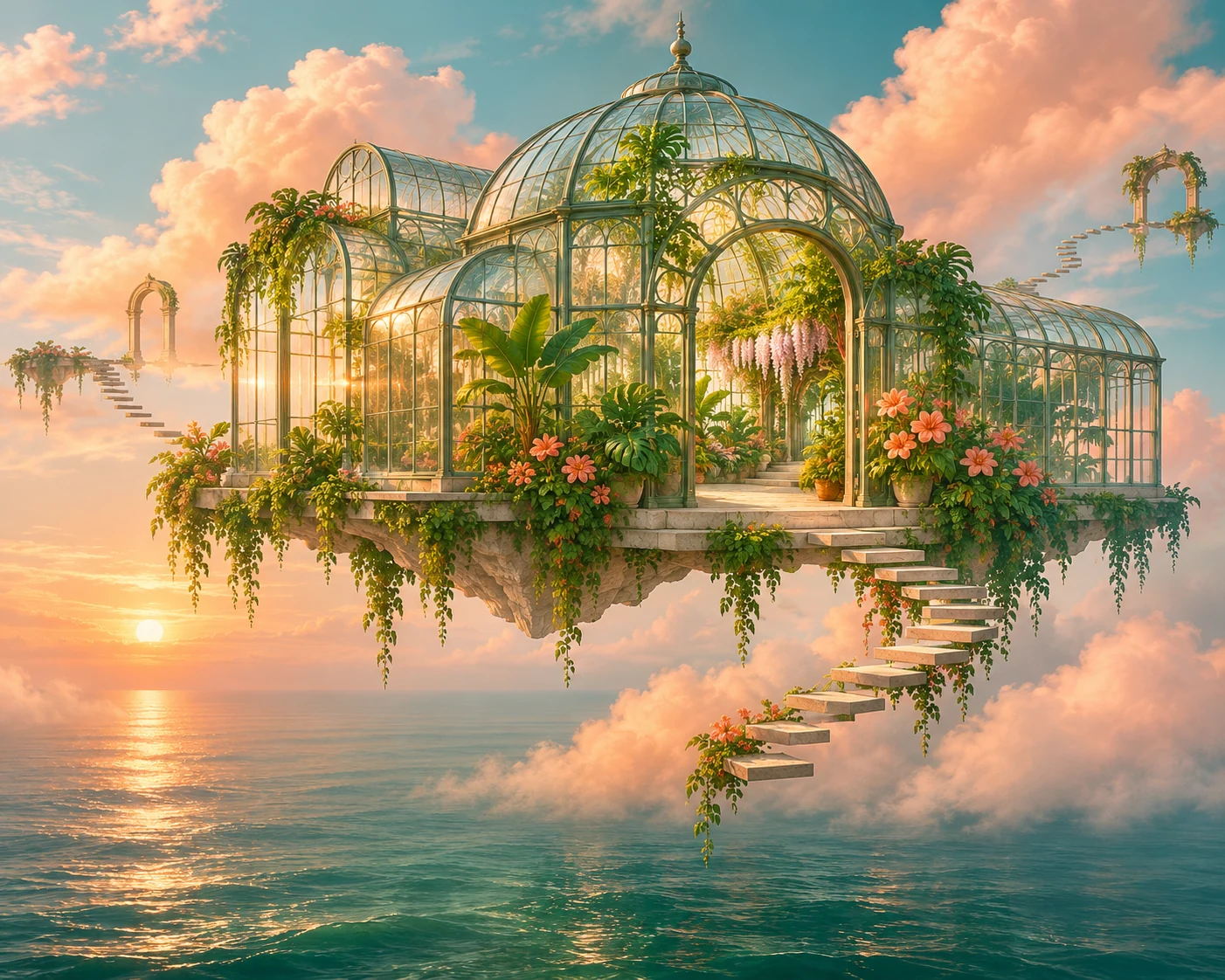
A useful prompt connects a subject with a setting, a light source and a visual mood. A product can sit on warm stone in a studio scene; an imagined place can combine architecture, landscape and atmosphere. Add the details that define your idea, such as colors, materials, camera angle or the feeling you want the picture to convey.
The workspace brings your prompt, style and aspect ratio together. Explore photography, product imagery, editorial compositions or illustrations, and choose a format for a social post, a presentation or a creative brief. Refine the description as you explore your direction, then review the finished image and download the original PNG.
YOUR FIRST STEPS
Start with a clear subject. Add the setting, light, colors and the details you want to see.
Choose a visual style and aspect ratio. Use example prompts as a starting point for your own direction.
Review the generated image, inspect its details and download the original PNG within 24 hours.
“An ivory ceramic cup on warm limestone, soft morning light and olive-leaf shadows.”

Start with an idea and explore its visual possibilities. A clear prompt brings your subject, style and composition together before you refine the result.
Describe the subject, setting, lighting and composition in your own words.
Choose Photography, Product, Editorial or Illustration, then set the proportions.
Create Standard 1K images and download the original PNG.
For anyone who has an image in mind and wants to explore it visually, from an everyday creative idea to a detailed project brief.
Explore visuals for posts, thumbnails and stories. Describe the mood and composition, then choose an image format for your channel.
Develop campaign concepts, imagined product settings and seasonal visual directions before choosing a design to refine.
Explore color palettes, materials and styles from a written brief. Use prompts to develop alternative compositions and reference ideas.
Visualize characters, imagined places and scenes. Turn a few story details into a visual direction for your next project.
Creative inspirationA PROMPT WITH A POINT OF VIEW
Start with the object or person, then add a place, a light source and a mood. “A ceramic cup” becomes a more considered image when you describe limestone, morning light and olive-leaf shadows. Keep important details specific and leave room for the model to interpret the scene.
 Creative inspiration
FROM PHOTOGRAPHY TO ILLUSTRATION
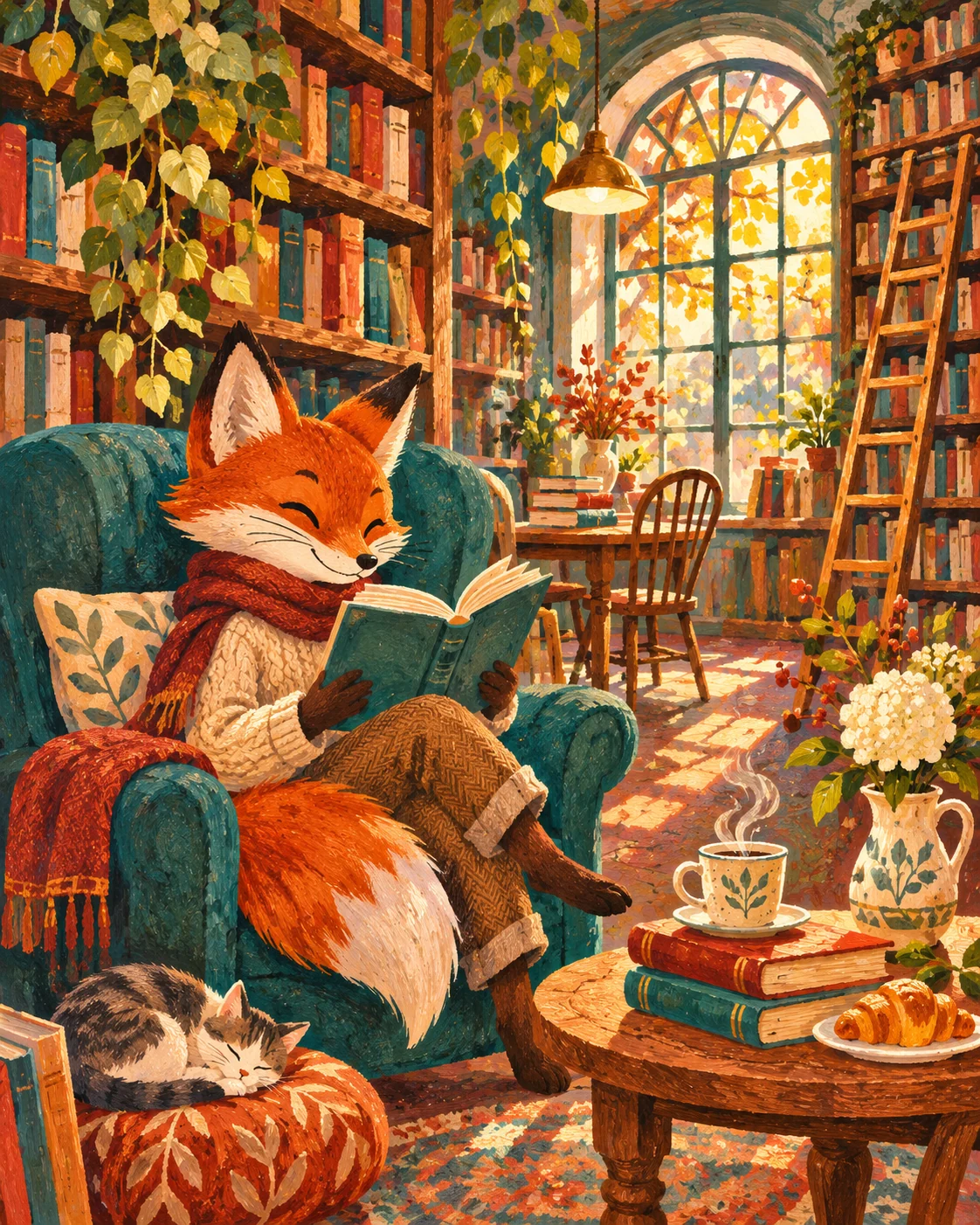
The same subject can take different directions. Use the style control and your prompt to explore a photographic image, an editorial composition or an illustrated scene. Browse the reference images for ideas about color, texture and composition.
Use a prompt as a draft. Review the subject and settings before generating.
A handmade ceramic bottle on warm stone, soft window light, olive shadows, a quiet editorial composition, no text.
A small cedar cabin in a misty forest at dusk, warm interior lights, moss-covered stones, natural colors and a wide cinematic composition.
A tiny flower shop on a sunny corner, colorful buckets of blooms, textured gouache illustration, friendly shapes and warm colors.
MORE ROOM FOR YOUR IDEAS
Choose your creative pace. Subscribe monthly or save with yearly billing.
For occasional ideas and personal projects.
$19.99 billed monthly
Renews monthly. Cancel renewal from your account.
For creators building a regular visual workflow.
$39.99 billed monthly
Renews monthly. Cancel renewal from your account.
For larger projects and frequent creative iteration.
$79.99 billed monthly
Renews monthly. Cancel renewal from your account.
Standard text-to-image and image-to-image generation use 1 credit per image. Monthly credits refresh with your plan and do not roll over.
Create your first Standard image free. No card or automatic subscription.
A FEW USEFUL ANSWERS
Inputs, availability, output and costs.
Text-to-image generation creates a new image from a written description. Your prompt describes the subject and appearance; the model interprets it together with the selected style and image settings.
Write your idea in the prompt box, set the style and aspect ratio. Explore the example prompts for inspiration, then generate and review the result.
Name the main subject first. Add the setting, composition, lighting and visual style. Keep essential details clear, and use short quoted text if the image should contain words. Review spelling and visual details in any generated result.
This workflow starts from text. For a photo-led project, choose Image to Image and use your existing picture as the visual starting point.
Standard generation offers six aspect ratios and 1K resolution. The selected ratio guides the composition; final pixel dimensions are shown with your result. Completed generations can be downloaded as original PNG files within their 24-hour access window.
Your first successful Standard image is free. Monthly subscriptions are $19.99 for Starter, $39.99 for Pro and $79.99 for Studio. Yearly subscriptions are billed at $199, $399 and $799. Credits refresh monthly on either billing interval; review the task cost before confirming.
The gallery features original AI-created artwork across photography, illustration and imaginative styles. Explore the prompts and use an example as a starting point for your own idea.
Practical photo editing guides for cleaner backgrounds, finer detail and sharper images.
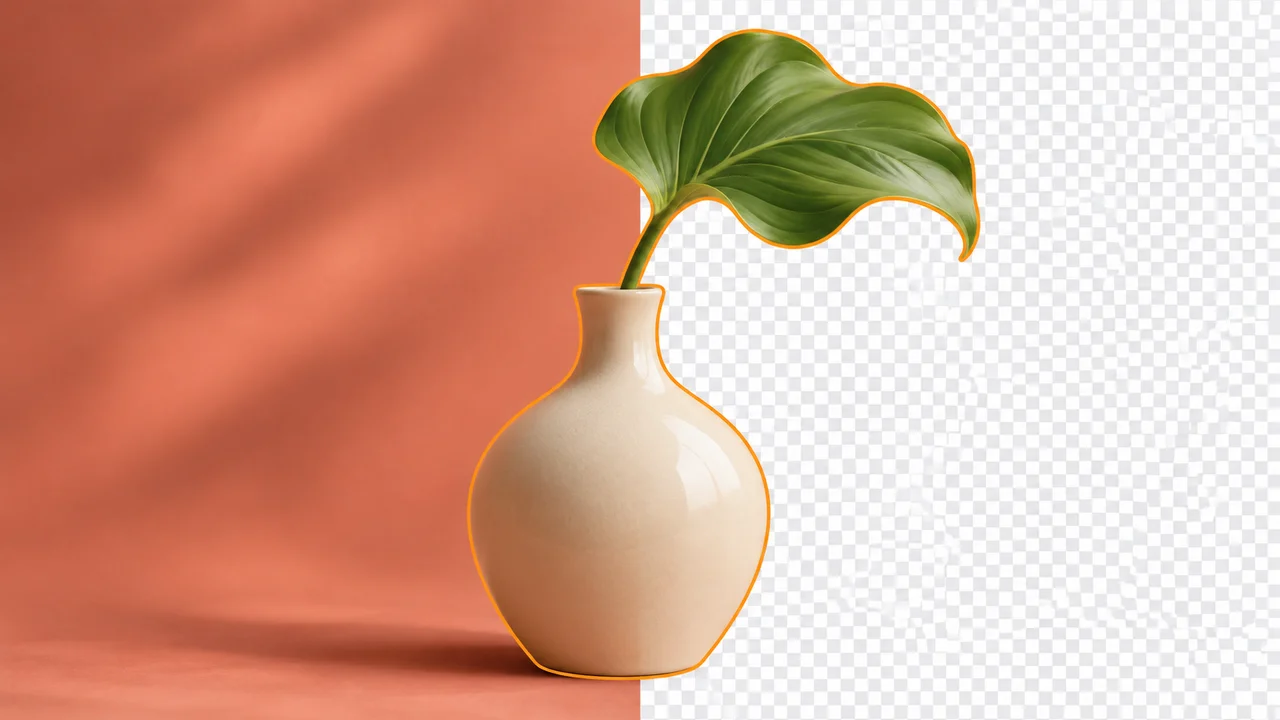
BACKGROUND REMOVAL
Select your subject, refine difficult edges, and export a clean transparent image.
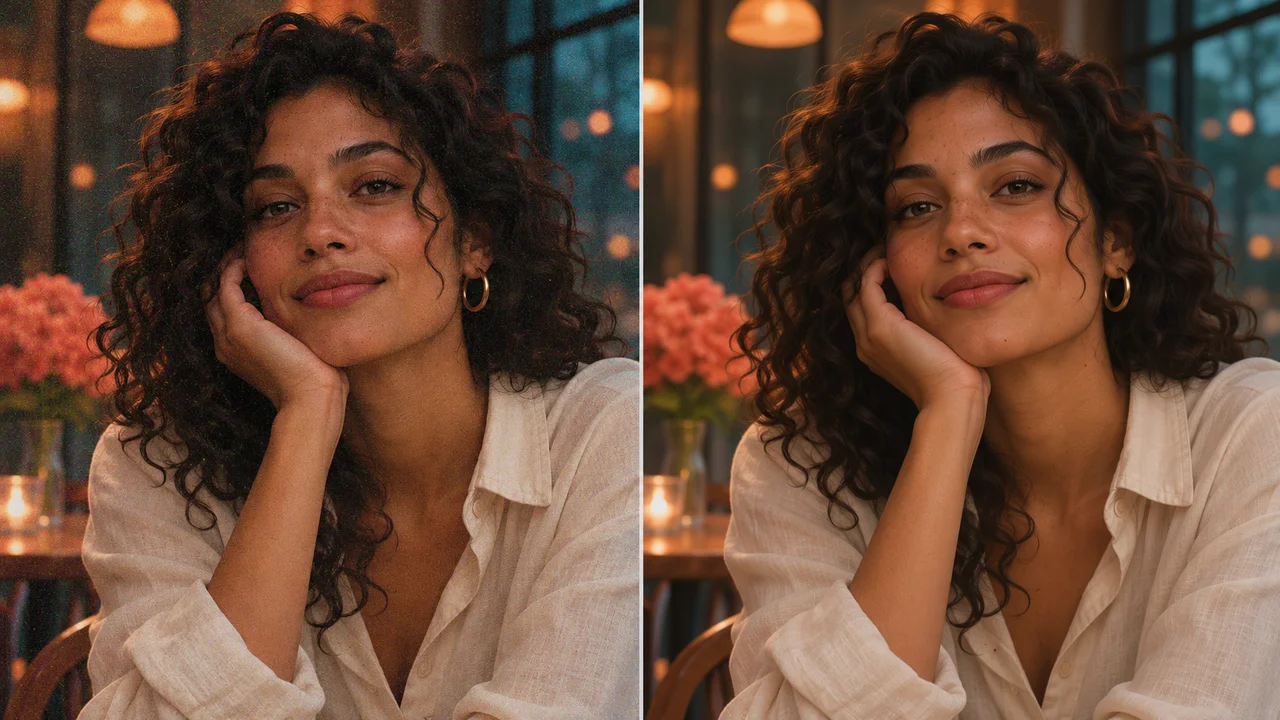
PHOTO ENHANCEMENT
Reduce distracting noise while keeping skin texture, hair, and fine details natural.
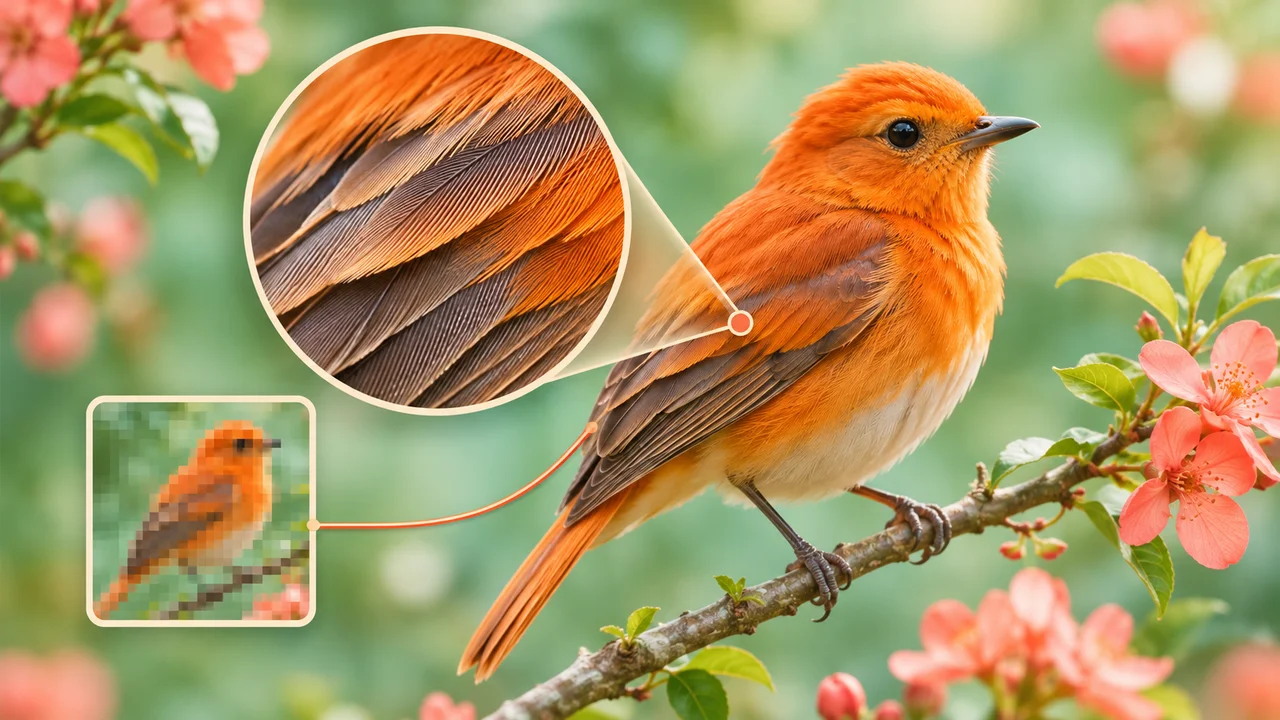
IMAGE RESOLUTION
Understand pixel dimensions, choose an enlargement method, and inspect the final detail.
Bring an idea to the prompt box and make it your own.