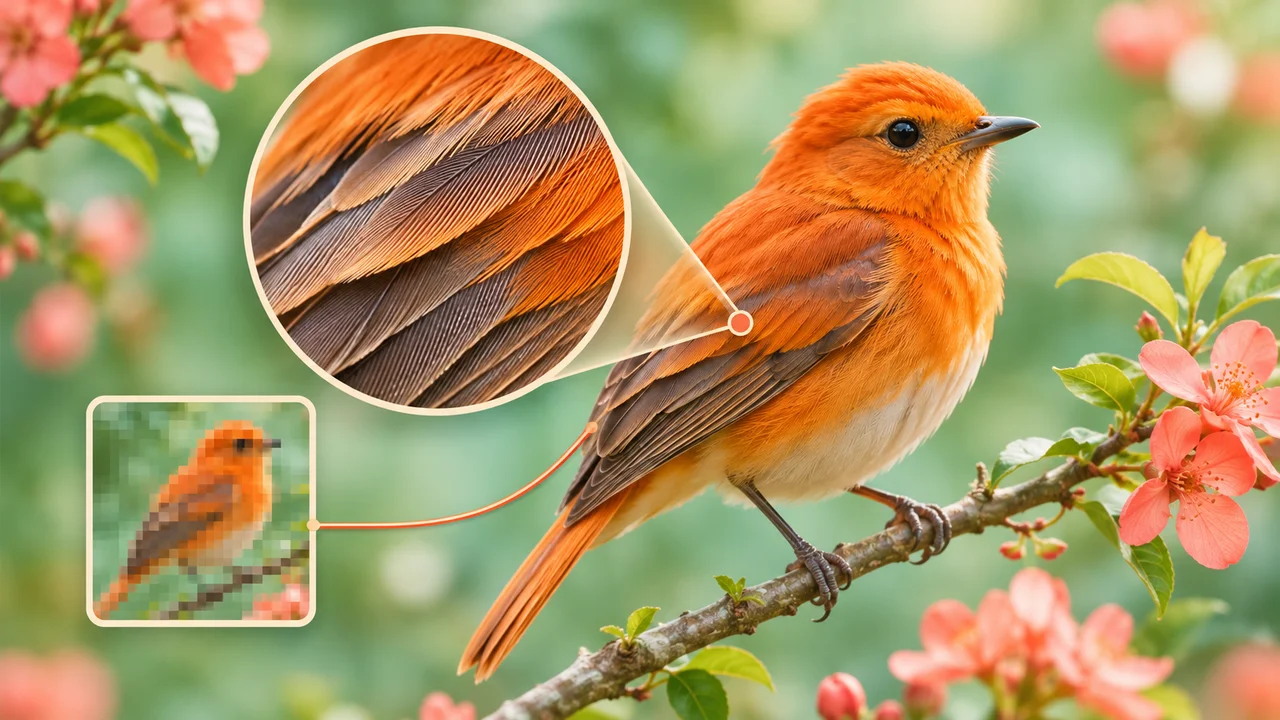
Create with free AI image tools — turn words into images, reimagine your photos, and explore new styles for every idea.
First image free
No sign-in or card
No visible watermark
Image creation studio
First image free Original PNG No visible watermark
One studio. More ways to create. Text to image Four creative styles Six image ratios
Endless Possibilities with Your AI Photo Editor
Explore new ways to create with AI. Generate original images, edit photos with natural language, enhance fine details, and transform everyday pictures into creative styles—all in your browser.
FROM WORDS TO WORLDS
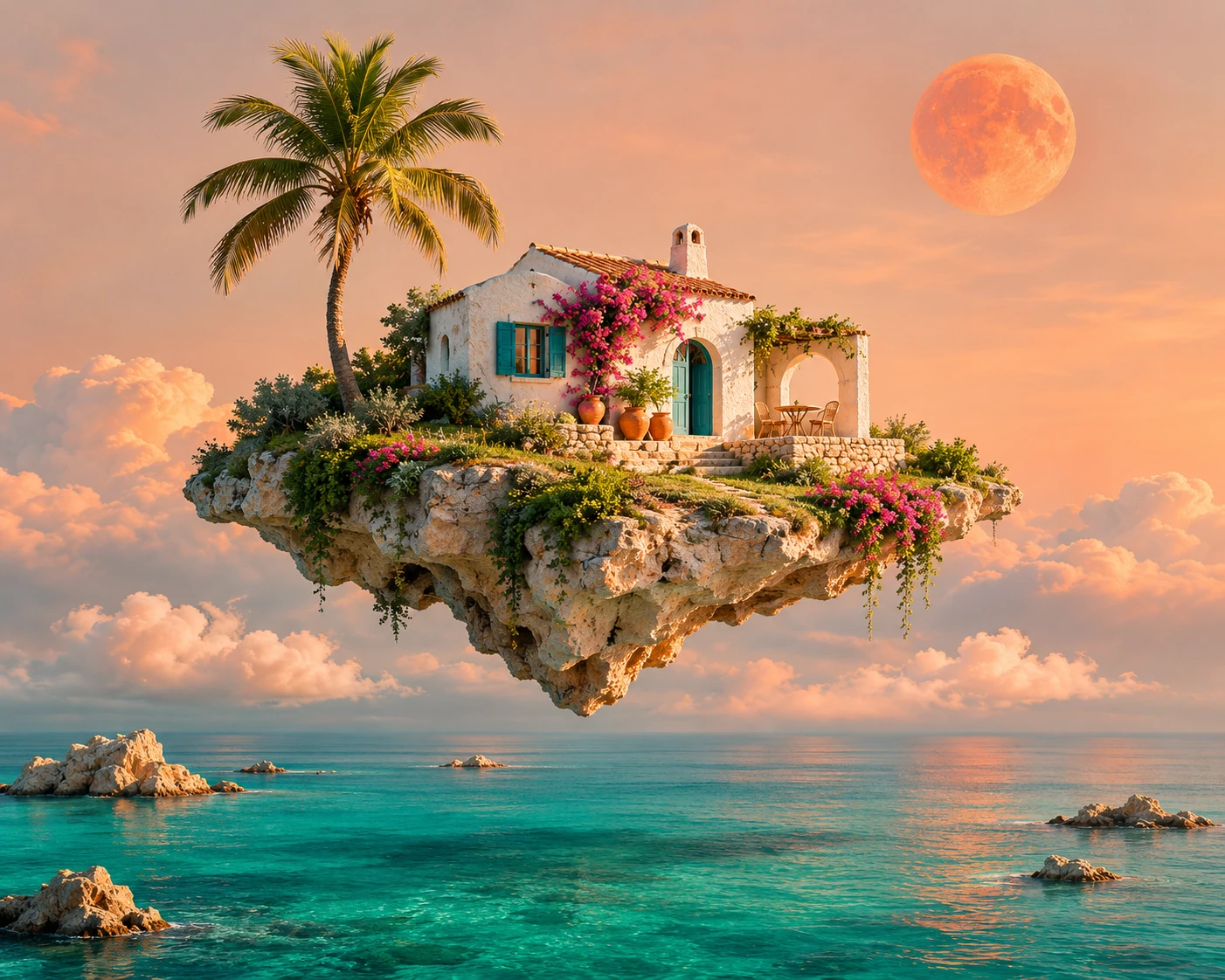
Create Images from Your Imagination
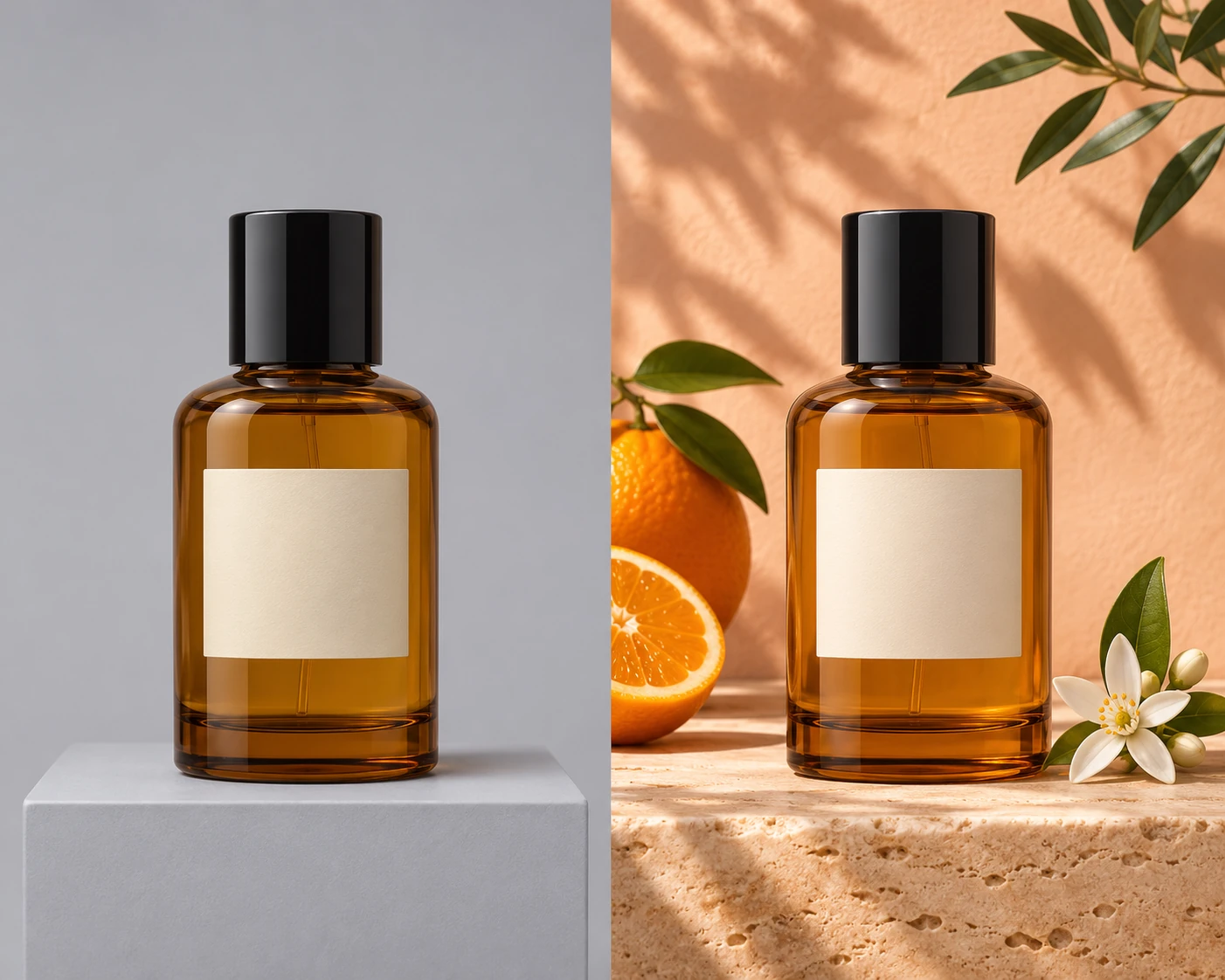
Turn a written idea into product photography, an imagined landscape, a portrait or an illustration. Describe the subject, atmosphere and visual style, then shape a composition that fits your project.
YOUR WORDS. A NEW DIRECTION.
Edit Photos with Natural Language
Start with an existing photo and describe what you want to change. Explore new backgrounds, add or remove objects, and rethink the lighting while keeping the subject at the heart of your editing brief.
LIGHT, TEXTURE & CLARITY
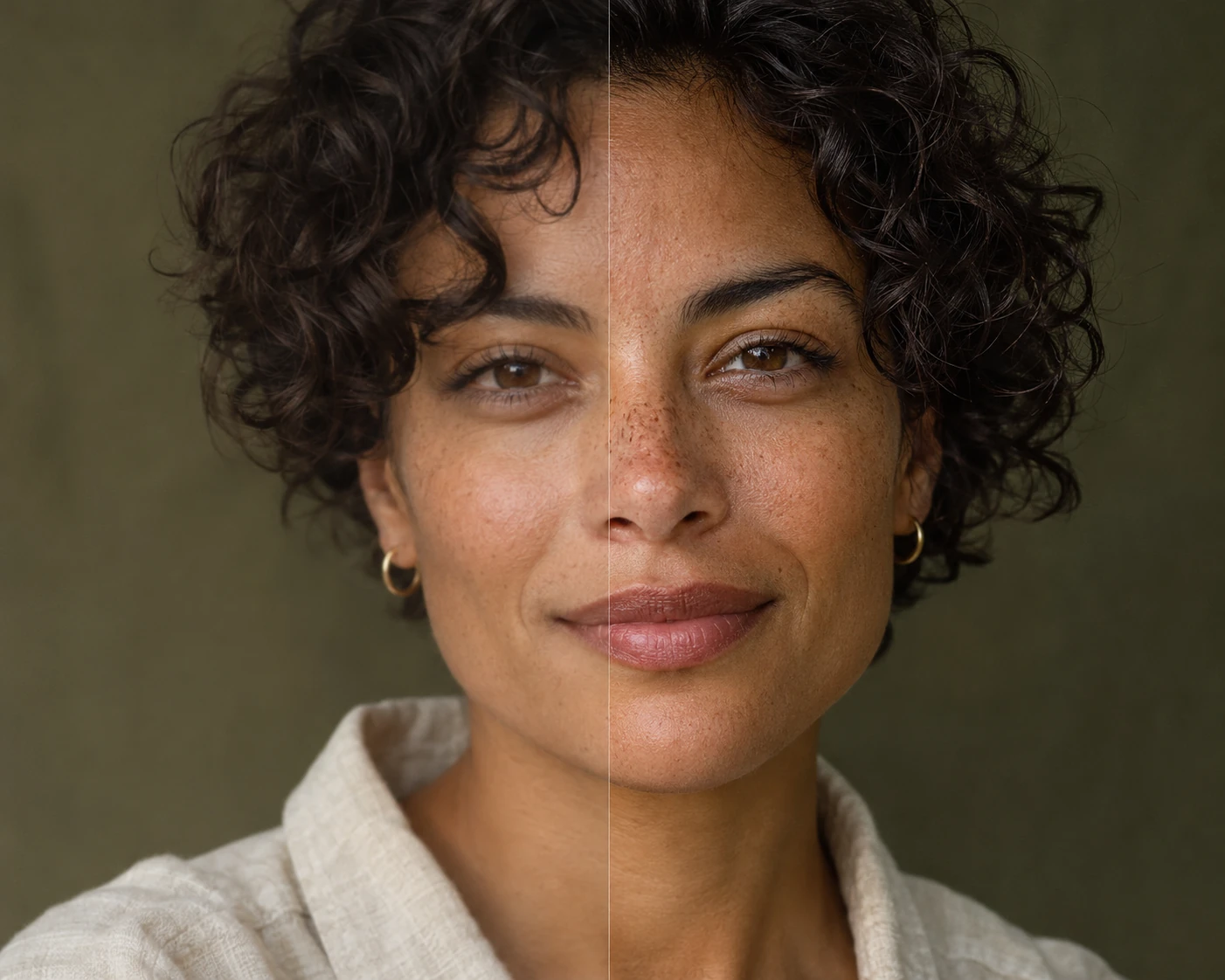
Enhance Every Detail
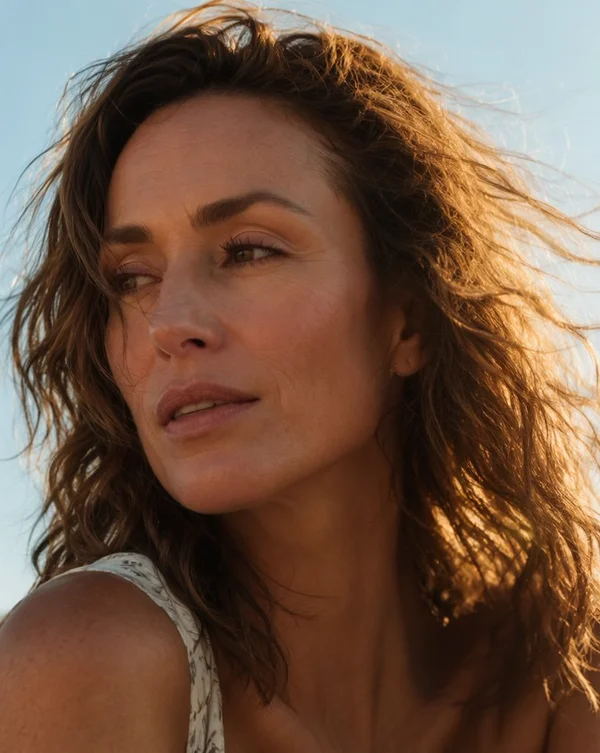
Bring a fresh direction to portraits and everyday photography. Explore natural retouching, balanced color, clearer textures and larger compositions, with an eye for the details that give each image its character.
ONE PHOTO. MANY EXPRESSIONS.
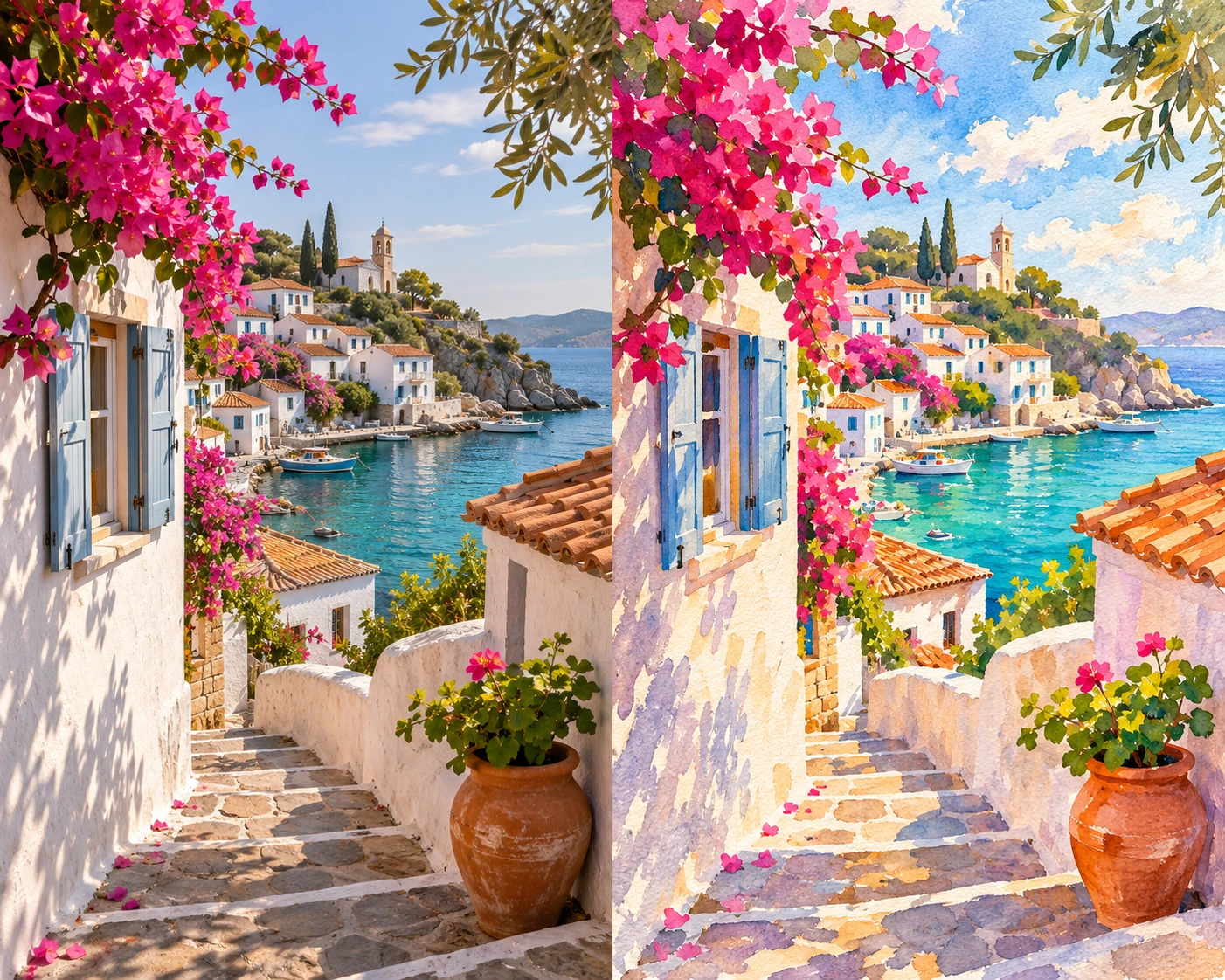
Transform Photos into New Styles
Reimagine a photograph as watercolor, an illustration, an anime-inspired scene or a pencil sketch. Use your reference as the starting point, then explore the colors, textures and artistic direction that make it your own.
How to Use the AI Image & Photo Editor
From your first idea to a finished image in three simple steps.
01
Start with an idea or a photo
Describe the image you want to create, or upload a photo and tell AI what to change.
02
Choose your look
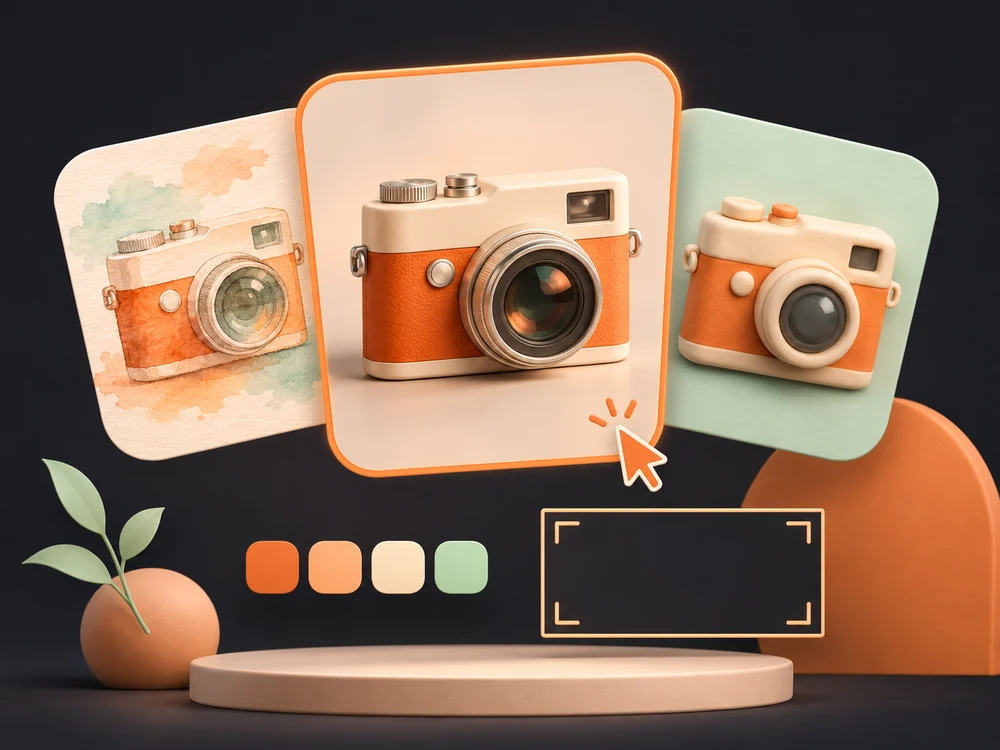
Pick a visual style and aspect ratio to shape your image.
03
Create and download
Generate your image, refine your prompt if needed, and download your favorite result.
AI Image Styles & Examples
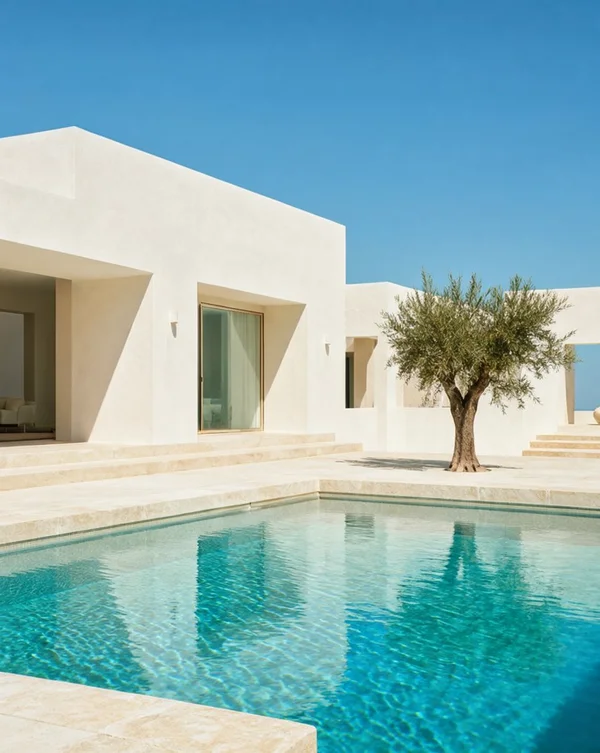
Explore AI-generated portraits, product photos, and illustrations. Discover a style you love and bring your next idea to life.
Photography, illustration & imaginative worlds
Photo Editing Examples
Explore illustrative before-and-after comparisons of background cleanup, subject isolation and image detail. Drag to compare.
BeforeAfter
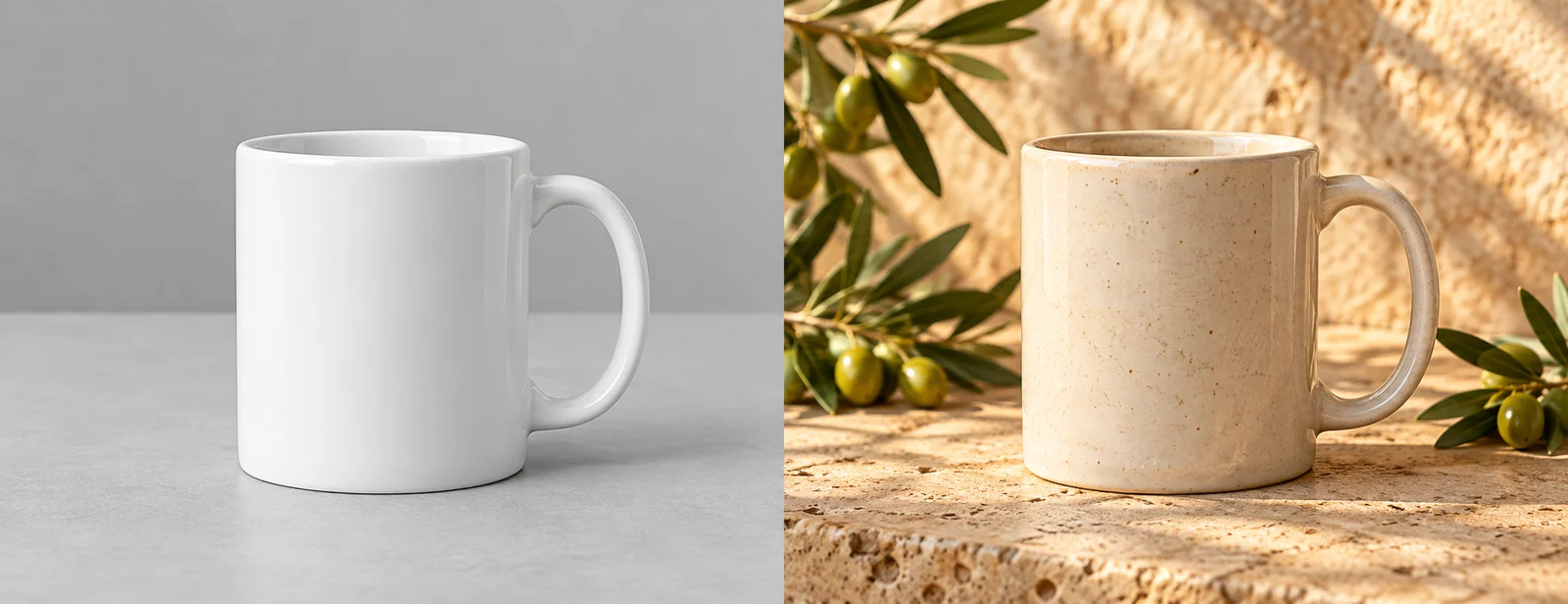
Watermark cleanup example
See a clean image without a distracting sample mark.
BeforeAfter
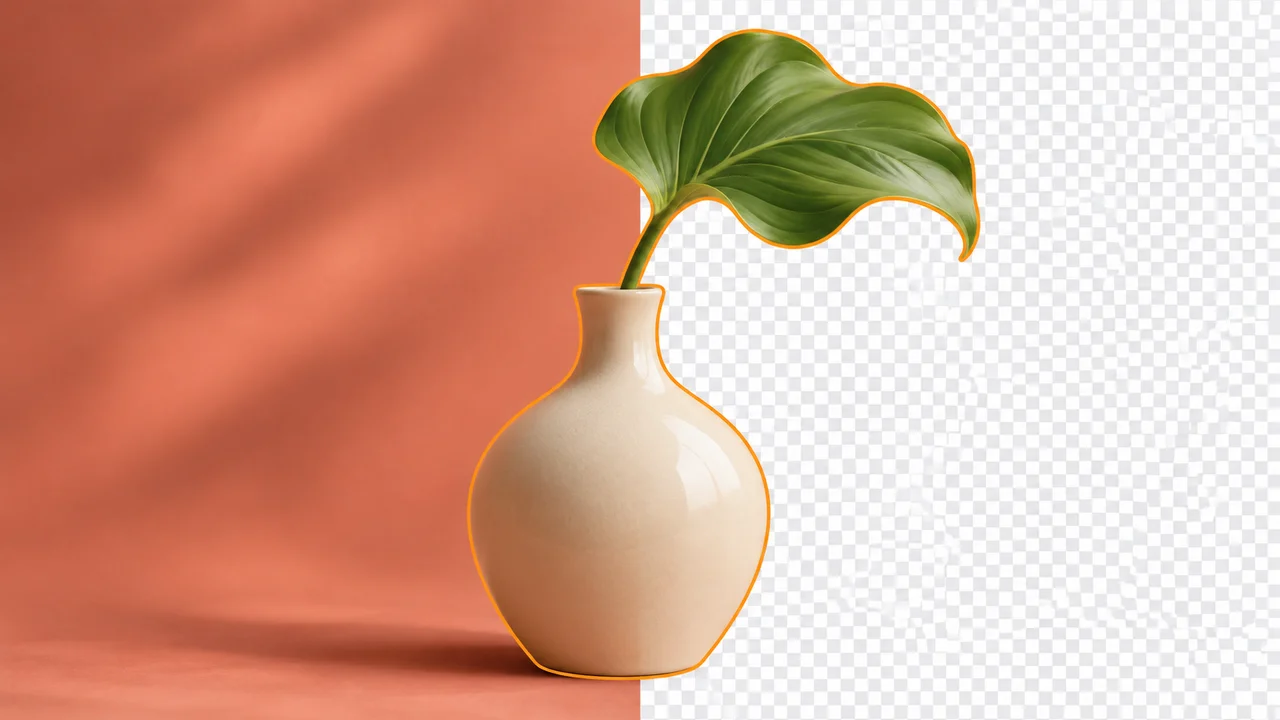
Background removal example
Isolate a product against a transparent background.
BeforeAfter
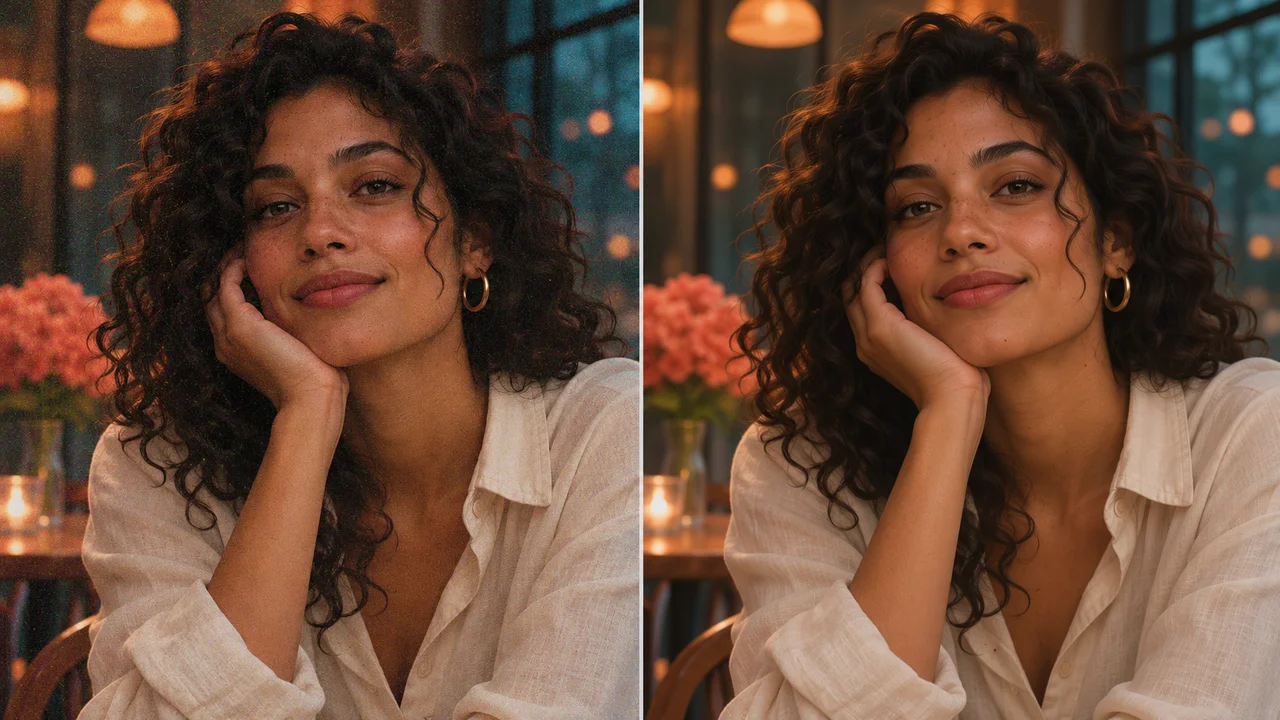
Image detail example
Explore sharper detail for portraits and product photos.
MORE ROOM FOR YOUR IDEAS
Pricing
Choose your creative pace. Subscribe monthly or save with yearly billing.
Starter
For occasional ideas and personal projects.
$19.99/ month
$19.99 billed monthly
100credits every month
Monthly creative credits
Original PNG generation downloads
No visible watermark on generated images
Private generation history
Failed processing does not use credits
Renews monthly. Cancel renewal from your account.
Pro
Most popular
For creators building a regular visual workflow.
$39.99/ month
$39.99 billed monthly
300credits every month
Monthly creative credits
Original PNG generation downloads
No visible watermark on generated images
Private generation history
Failed processing does not use credits
Renews monthly. Cancel renewal from your account.
Studio
For larger projects and frequent creative iteration.
$79.99/ month
$79.99 billed monthly
800credits every month
Monthly creative credits
Original PNG generation downloads
No visible watermark on generated images
Private generation history
Failed processing does not use credits
Renews monthly. Cancel renewal from your account.
Billing total shown before paymentCredits refresh monthlyNo automatic top-ups
Standard text-to-image and image-to-image generation use 1 credit per image. Monthly credits refresh with your plan and do not roll over.
A little room to try it.
Create your first Standard image free. No card or automatic subscription.
Create your first successful Standard image free, without a visible watermark, sign-in or credit card. Start from a prompt or an uploaded photo. Choose a monthly or yearly subscription for more images.
Where can I learn to improve my photos?
Explore our photo editing guides to learn how to remove an image background, fix grainy photos and make an image higher resolution. Each guide covers practical steps, export checks and common mistakes.
Do I need to install software to create AI images?
No. Use the image workspace in your browser without installing software or setting up a GPU. Enter a prompt, choose your image settings, and generate. Google sign-in is optional for your first free image.
Can I render English and Chinese words in an image?
Yes. Put the exact words in quotes in your text prompt. Keep text concise and proofread spelling, characters, prices and dates before publishing.
What size and download format do I get?
Standard images use 1K resolution and six aspect-ratio options. The result shows its final pixel dimensions. Download the original PNG within 24 hours. Gallery thumbnails are optimized for display.
Does my free image have a watermark?
No visible watermark is added by this studio or requested from its generation provider for the free Standard image.
How do I start with an existing photo?
Open Image to Image, choose a JPEG, PNG or WEBP reference, and describe the change you want. Identify the subject and details to retain, choose a style and aspect ratio, then generate and download your new image.
Are my generated images private?
Your generations are not automatically published in the gallery. The gallery showcases original AI-created inspiration. User image links have a 24-hour access window; download the files you want to keep. Prompts are processed by the generation provider to produce your image. See the Privacy Policy for details.
What is the difference between Text to Image and Image to Image?
Text to Image starts with a written description for a new image. Image to Image starts with an uploaded photo and instructions for a different look or composition. Choose the workflow based on whether you are starting with an idea or an existing image.
How do Nelo Image credits work?
Your first successful Standard image is free. After that, Standard text-to-image and image-to-image generation each use 1 credit per image. Failed tasks return their reserved credits. Monthly credits refresh with your plan.
Is Nelo Image a subscription?
Yes. Starter is $19.99 per month or $199 per year, Pro is $39.99 per month or $399 per year, and Studio is $79.99 per month or $799 per year. Both billing options renew automatically. Credits refresh monthly: 100 for Starter, 300 for Pro and 800 for Studio. Unused monthly credits do not roll over.
Read & Learn
Practical photo editing guides for cleaner backgrounds, finer detail and sharper images.